


10 Best Software for Backtesting Trading Strategies in 2026


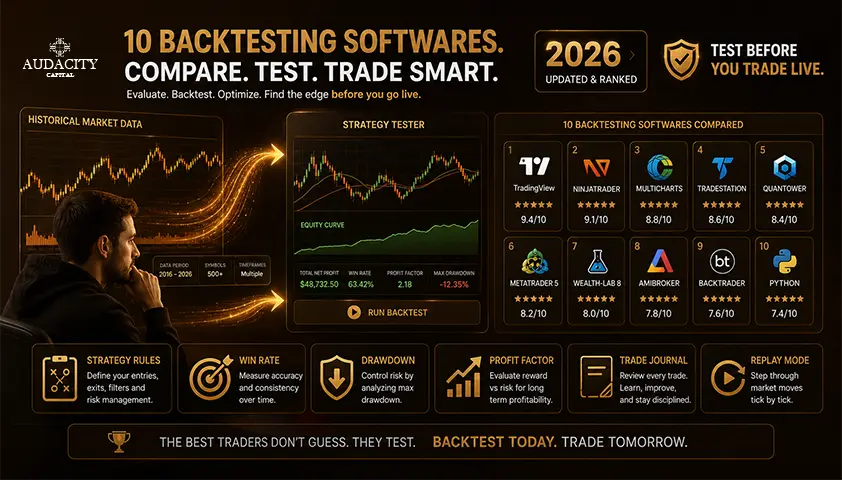
The right choice depends on the job. Manual chart replay suits discretionary traders who need to practice execution one candle at a time.
Automated testing suits objective rules that can be coded and run across thousands of trades.
And portfolio research asks a different set of questions again.
A practical shortlist covers most workflows: TradingView for accessible chart-based testing, MetaTrader 5 for forex and CFD EAs, QuantConnect for code-driven multi-asset research, NinjaTrader for futures, and Forex Tester or FX Replay for manual forex replay.
This comprehensive comparison guide ranks testing type, data quality, execution modelling and validation, not feature counts. Simulated results can be overfit and never guarantee live performance.
How We Ranked the Backtesting Platforms
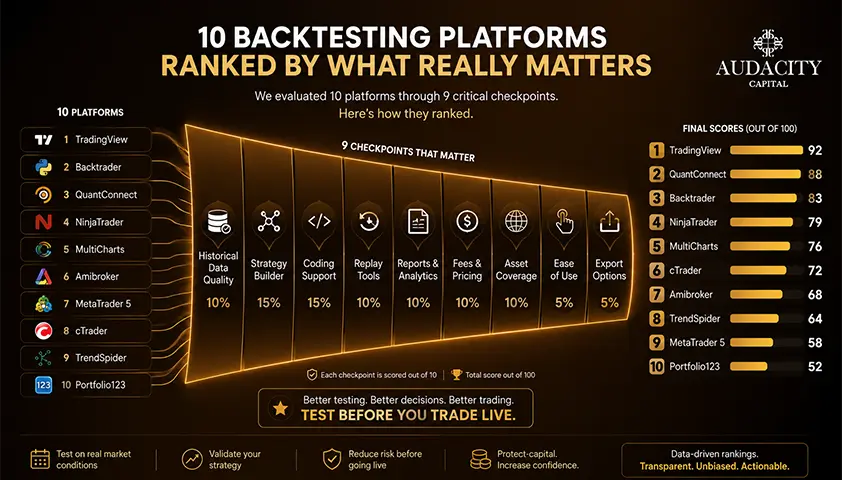
The ranking rewards fit and test integrity, not the longest feature list.
A tool that models spread, commissions and slippage honestly beats one that produces prettier reports on optimistic assumptions.
Selection criteria used across every entry:
1. Testing method: manual replay, automated rules, portfolio engine, or a useful combination.
2. Data quality and control: source, depth, granularity, corporate-action handling, broker dependence and the ability to import your own historical market data.
3. Execution realism: spread and swap, commissions, slippage, order types, intrabar sequencing and fill assumptions.
4. Validation: out-of-sample testing ranges, walk-forward analysis, optimization controls, Monte Carlo simulation and sensitivity checks.
5. Strategy creation: no-code builder, proprietary scripting language or mainstream programming language such as Python or C#.
6. Market fit: forex and CFDs, futures, stocks, options, crypto or multi-asset portfolios.
7. Workflow continuity: whether the same logic can be forward-tested or deployed in the intended live environment.
8. Cost and accessibility: software price, required data subscriptions, hardware or cloud costs and learning curve.
10 Best Software for Backtesting Trading Strategies in 2026
1. TradingView: Best overall for accessible chart-based strategy testing

Best for: Traders who already formulate strategies visually and want one environment across forex, stocks, futures, indices and crypto.
What it tests: Rule-based strategies written in Pine Script, plus a wide library of built-in and community scripts.
Data and execution: Browser-based charts with a broker emulator. Deep Backtesting can use a selected date range on eligible plans, subject to available data and market entitlements.
Validation tools: Strategy Report, Deep Backtesting, forward-testing via alerts, and property inputs for commissions and slippage.
Coding and learning curve: Pine Script is approachable but limited compared with general-purpose languages. Visual builders are available through third-party integrations.
Pricing and access: Free tier with limited history. Deep Backtesting and larger bar counts require paid plans, so verify current entitlements before subscribing.
Main limitation: Automated testing depends on Pine Script and TradingView's emulator, not the exact fills of every broker.
Who should choose it: Newer and intermediate technical traders who want one of the best backtesting software options for chart-driven ideas.
2. MetaTrader 5 Strategy Tester: Best for forex and CFD Expert Advisors
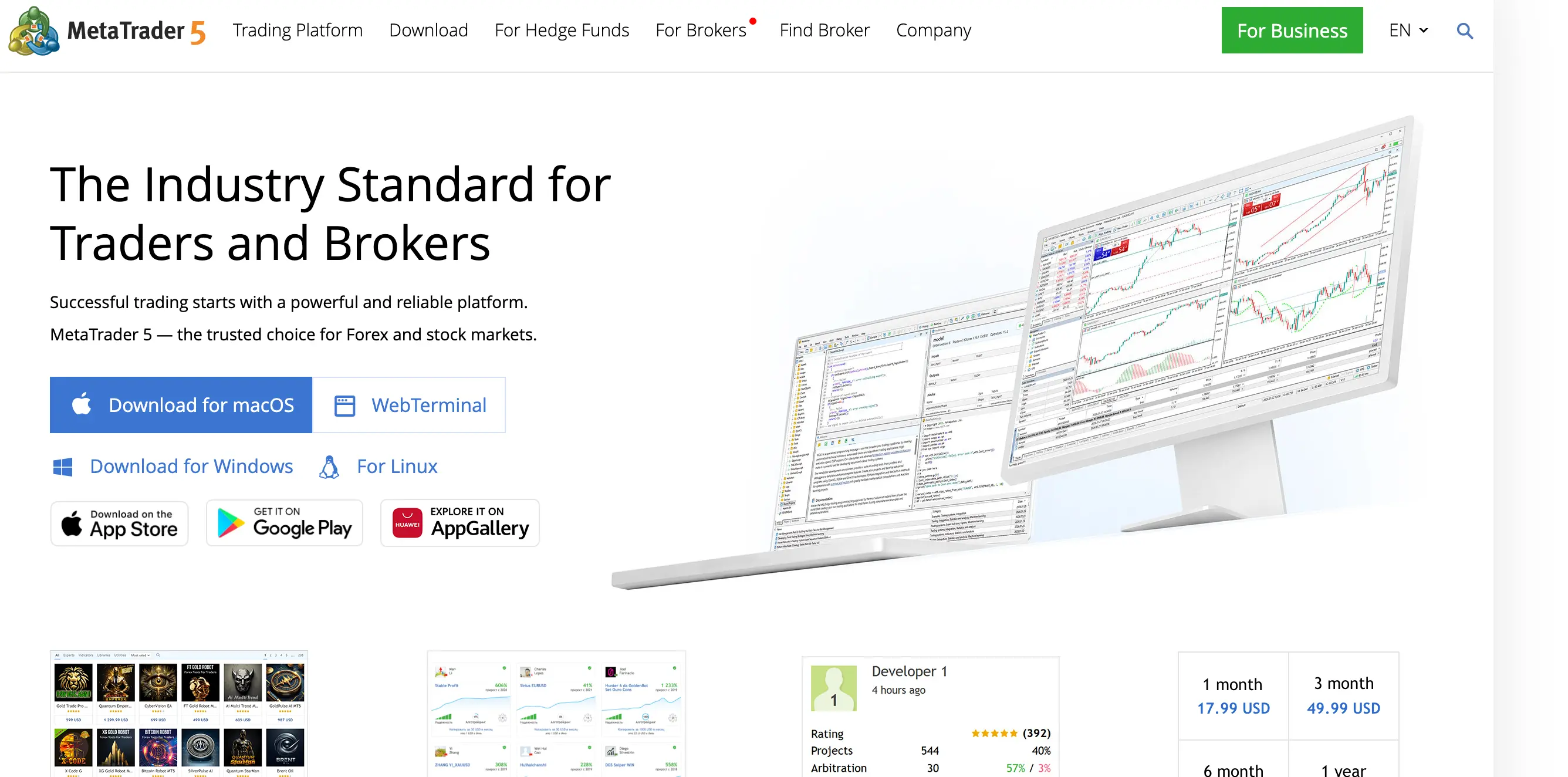
Best for: Traders whose strategy will ultimately run as an EA in MT5.
What it tests: Coded EAs written in MQL5, with single-symbol and multi-currency testing.
Data and execution: Broker-supplied historical data with tick, 1-minute OHLC and every-tick-based-on-real-ticks modes. Broker-specific symbol specifications and tick data materially affect results.
Validation tools: Genetic and brute-force optimization, forward periods, visual mode and cloud-distributed testing.
Coding and learning curve: MQL5 is a steeper learning curve than Pine Script but is purpose-built for retail forex and CFD execution.
Pricing and access: The Strategy Tester is free with a broker MT5 account. Data quality depends on the broker.
Main limitation: Designed around coded EAs, not clean no-code testing for discretionary traders. Results can vary between broker datasets.
Who should choose it: Systematic forex traders using MT5 as their live venue.
3. QuantConnect LEAN: Best for Python and C# multi-asset research

Best for: Technical users who need portfolio logic, reproducible code and control beyond a charting platform.
What it tests: Code-based strategies across equities, futures, forex, options and crypto using the open-source LEAN engine.
Data and execution: Curated datasets in the cloud or self-hosted locally. Configurable fee, slippage and fill models.
Validation tools: Parameter optimization, out-of-sample splits, research notebooks and portfolio-level analysis.
Coding and learning curve: Requires competent Python backtesting or C# skills. Not the fastest route for a trader who has not yet converted a strategy into precise rules.
Pricing and access: Free research tier with paid compute and data add-ons. Verify current dataset and compute pricing.
Main limitation: Steep entry point for non-programmers.
Who should choose it: Quantitative traders and developers building portfolio strategies with realistic assumptions.
4. NinjaTrader Strategy Analyzer: Best for futures strategy testing

Best for: Traders who will execute futures strategies inside NinjaTrader.
What it tests: NinjaScript and C# strategies against tick, minute or daily data.
Data and execution: Historical fill-processing settings expose how intrabar orders are resolved, which is unusually transparent for a retail strategy tester.
Validation tools: Optimization, walk-forward optimization, basket tests, Monte Carlo analysis and detailed performance reports.
Coding and learning curve: C#-based, so approachable for developers, less so for pure discretionary traders.
Pricing and access: Free simulation licence for testing. Live trading and premium data have additional costs.
Main limitation: Futures-centric ecosystem. Historical fill settings must be understood before treating a result as realistic.
Who should choose it: Futures system traders who want a direct path from test to live execution.
5. TrendSpider Strategy Tester: Best no-code choice for technical traders
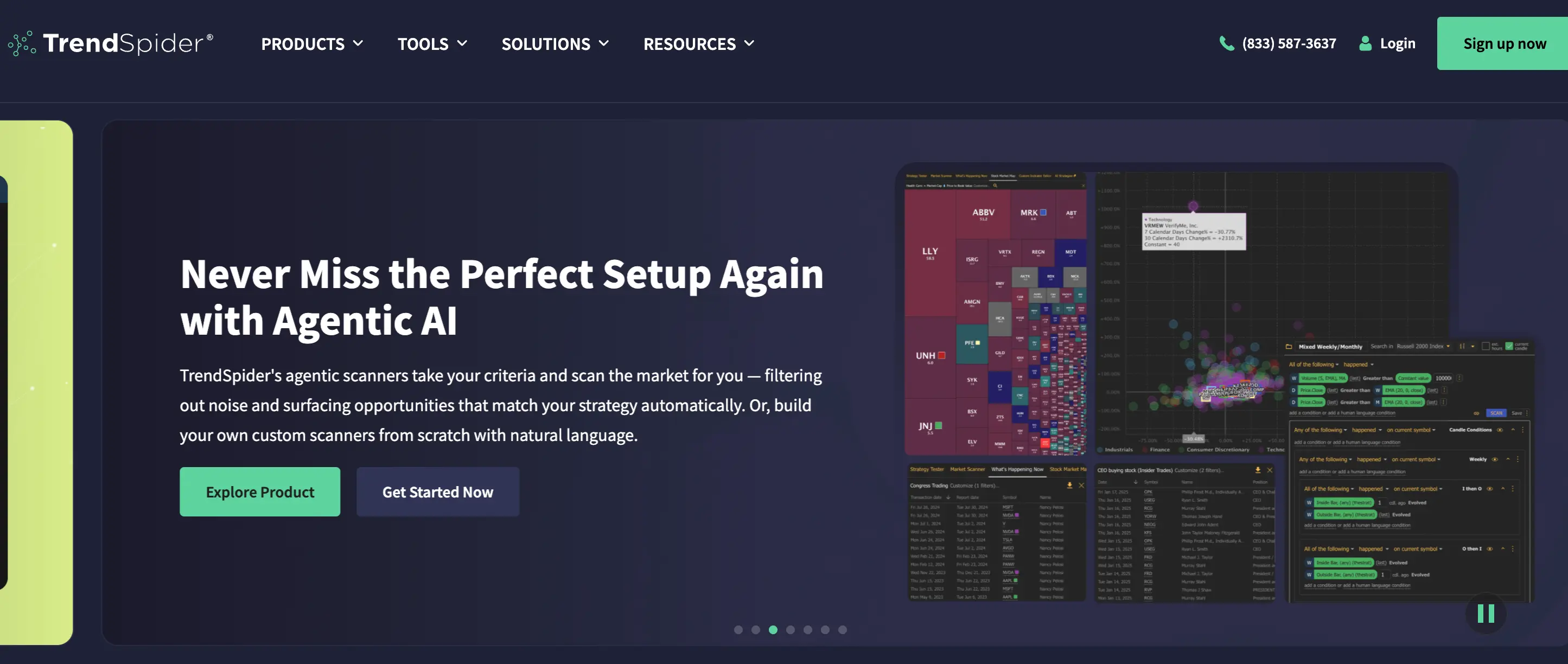
Best for: Traders who want to combine indicators, conditions and chart patterns without writing a full program.
What it tests: Visually constructed rules against stocks, ETFs, forex and crypto histories.
Data and execution: Cloud-hosted data with tester-level commission and slippage inputs. Verify current candle history and asset coverage per plan.
Validation tools: Multi-timeframe testing, alert integration and performance summaries. Advanced validation may be gated by plan tier.
Coding and learning curve: No-code drag-and-condition builder.
Pricing and access: Subscription tiers. Confirm strategy-tester limits at each level before committing.
Main limitation: Visual builders can limit complex position management, portfolio interactions and custom execution assumptions.
Who should choose it: Discretionary technical traders using the tester for rapid hypothesis checks before committing to code.
6. Forex Tester: Best desktop manual replay tool for forex
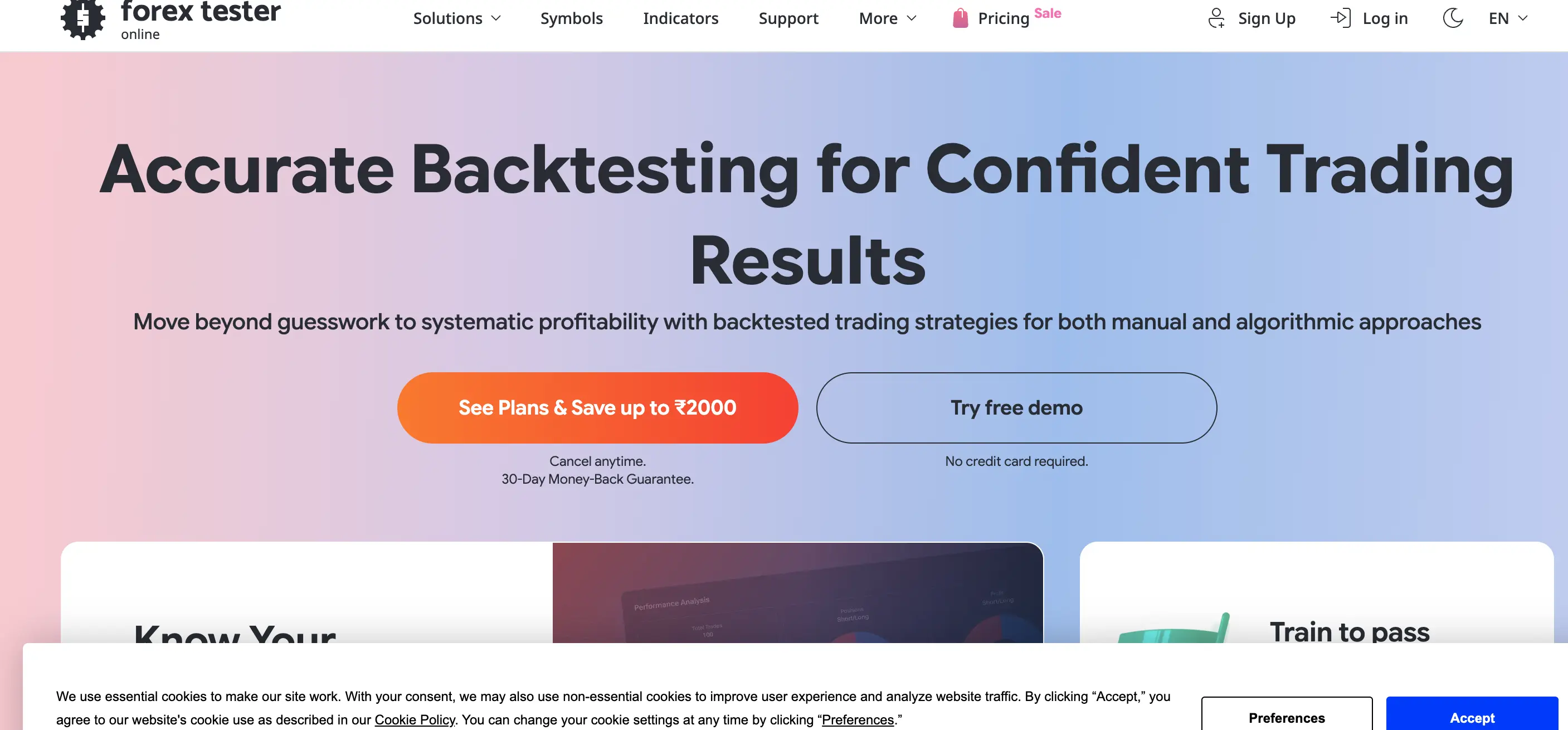
Best for: Discretionary forex traders whose entries depend on context that is difficult to code.
What it tests: Manually executed trades on accelerated manual replay of historical forex data.
Data and execution: Bundled historical data with optional paid subscriptions for higher-quality tick data. Commission, spread and swap can be configured per symbol.
Validation tools: Session controls, statistics, journaling and multi-project workflows.
Coding and learning curve: No coding required. The learning curve is trader discipline, not software.
Pricing and access: Desktop licence with annual or lifetime options. Verify current pricing and data plans.
Main limitation: Manual replay produces a smaller sample and can introduce inconsistent decisions. It does not replace automated testing when rules are fully objective.
Who should choose it: Traders training execution and setup recognition, especially those preparing for a funded evaluation.
7. FX Replay: Best browser-based manual replay workflow
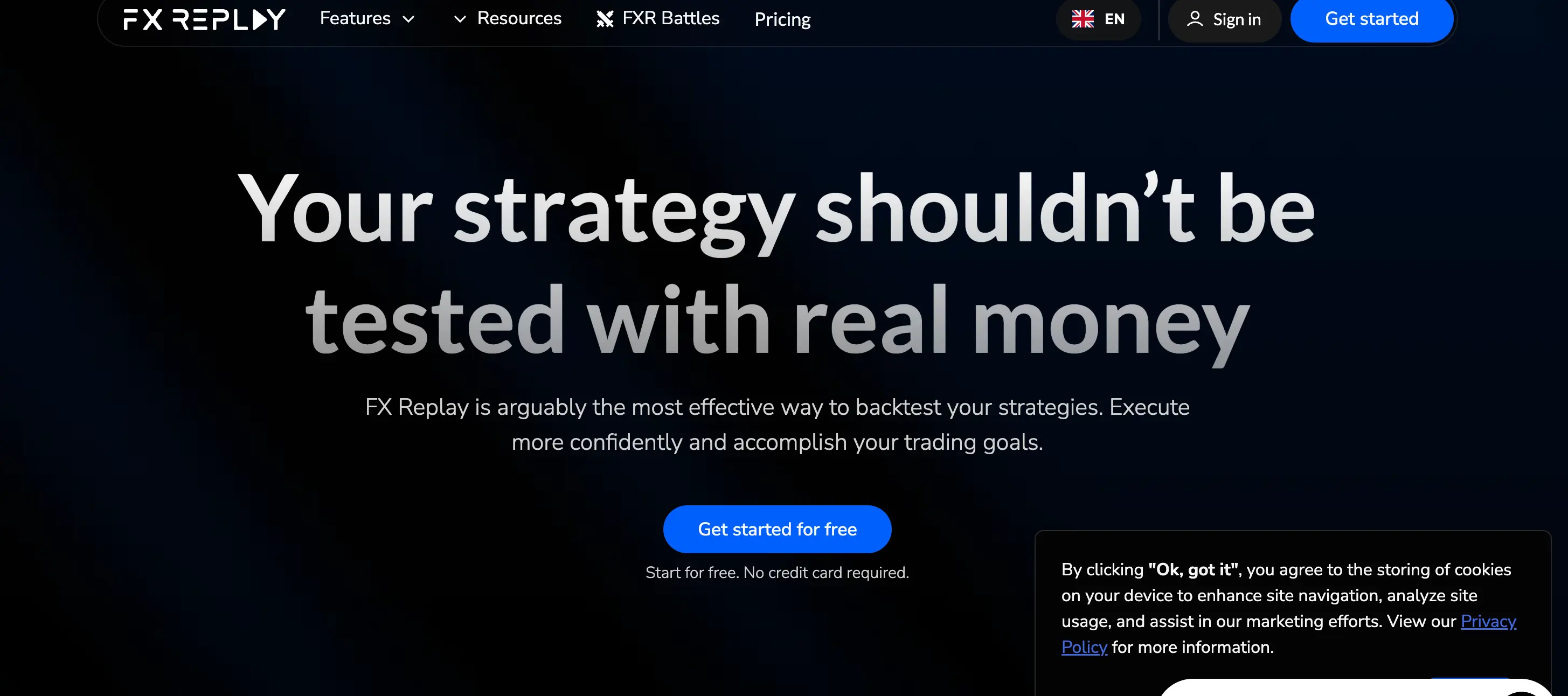
Best for: Traders who want chart replay without installing desktop software.
What it tests: Manually executed discretionary strategies in the browser.
Data and execution: Web-based charts with session controls, trade recording and performance review. Verify supported markets and historical depth per plan.
Validation tools: Journaling, replay statistics and multi-chart layouts on paid tiers.
Coding and learning curve: No coding. Pricing and access: Free tier with restrictions, plus paid subscriptions for wider access.
Main limitation: The result measures both the strategy and the trader's choices, which makes repeatability harder.
Who should choose it: Discretionary traders who want fast, cross-device backtesting tools for traders focused on replay practice.
8. StrategyQuant X: Best for strategy generation and robustness testing
Best for: Advanced users who want to generate, stress-test and export algorithmic strategies at scale.
What it tests: Automatically generated and manually built strategies across supported platforms, exported to MT4, MT5 and other targets.
Data and execution: Uses imported historical data with configurable spread, commission and slippage.
Validation tools: Walk-forward analysis, Monte Carlo simulation, robustness tests and parameter sensitivity.
Coding and learning curve: Visual and code-assisted workflows. Serious commitment required to use it well.
Pricing and access: Multiple editions. Confirm export formats, supported platforms and licensing before purchase.
Main limitation: Automated strategy mining creates a real overfitting and data-snooping risk. More generated strategies do not mean more genuine edges.
Who should choose it: Experienced systematic traders who understand the difference between a robust strategy and a curve-fitted artifact.
9. TradeStation: Best for US market traders who want testing and execution together
Best for: US-based stocks, futures and options traders who value a mature scripting language and direct execution.
What it tests: Strategies coded in EasyLanguage across supported instruments.
Data and execution: Brokerage-linked historical data with commission, slippage and order-type modelling.
Validation tools: Optimization, walk-forward optimization and performance reporting.
Coding and learning curve: EasyLanguage is designed for traders rather than developers, which lowers the barrier.
Pricing and access: Depends on brokerage relationship, region and account type. Verify eligibility and platform fees.
Main limitation: Access and economics vary by location, which makes it less universal for a global audience.
Who should choose it: US-based technical traders who want backtesting and live execution inside one environment.
10. AmiBroker: Best lightweight desktop research tool for custom technical systems
Best for: Experienced technical traders who want a fast desktop research environment without a recurring cloud workflow.
What it tests: Portfolio-level strategies written in AmiBroker Formula Language against user-imported data.
Data and execution: Highly configurable, with user-controlled data sources and custom cost modelling.
Validation tools: Walk-forward, Monte Carlo and detailed statistics.
Coding and learning curve: AFL is powerful but requires learning. Data setup is manual.
Pricing and access: One-off licence tiers. Verify current editions and OS support.
Main limitation: Older interface and separate data setup. Less approachable than browser-first tools.
Who should choose it: Advanced technical traders comfortable managing their own data pipeline.
Manual Replay vs Automated Backtesting Software
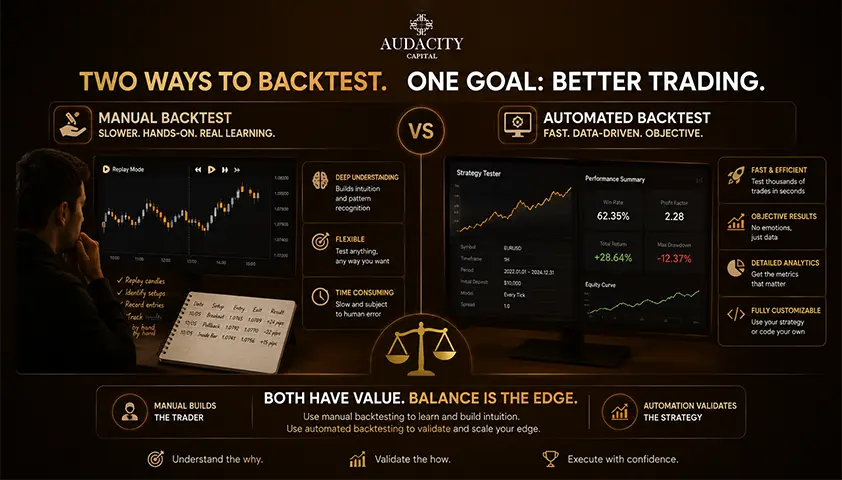
Manual replay is best for discretionary decisions that depend on context. Automated backtesting is best for objective rules that can be expressed without interpretation.
Manual replay gives visual context, execution practice and rule-discipline training. It suits judgment-based setups where a written rule cannot fully capture the decision.
The trade-offs are slow sample collection, hindsight contamination when the trader knows the chart, and inconsistent decisions between sessions.
Automated testing gives large samples, repeatability, parameter sensitivity and fast comparison across markets and regimes.
The trade-offs are coding errors, simplified fills, hidden assumptions and rapid overfitting once optimization begins.
The strongest workflow is hybrid.
Manually replay enough examples to define the setup, code the stable rules, run a larger automated test, inspect representative sample trades visually, then forward-test in a demo or funded evaluation before committing capital.
The right method depends on whether two independent traders could read your rules and execute identically. If yes, automate. If no, replay first.
Method | Ideal strategy type | Sample speed | Repeatability | Common bias | Software examples |
Manual replay | Discretionary, context-driven | Slow | Low | Hindsight, inconsistency | Forex Tester, FX Replay |
Automated | Fully rule-based | Fast | High | Overfitting, look-ahead bias | MT5, QuantConnect, NinjaTrader |
Hybrid | Rules with contextual filters | Medium | Medium to high | Selective coding of only good samples | TradingView plus replay tool |
What Makes a Backtest Trustworthy?
A clean equity curve can still be wrong. Trust comes from the inputs and the method, not the shape of the chart.
1. Historical data.
Check for missing bars, synthetic or interpolated ticks, incorrect session times, unadjusted stock splits and broker-specific forex quotes.
Equity backtests must handle survivorship bias by including delisted symbols, not just today's index members.
2. Execution model.
Spread, variable spread, commissions, swaps, slippage, order latency, partial fills, market gaps and intrabar order sequence all change results. A stop and a target inside the same candle cannot be resolved reliably from bar-close data alone.
3. Sample design.
The test needs enough trades, multiple market regimes, and separate in-sample and out-of-sample periods. Repeatedly adjusting parameters until the final test set looks good destroys the value of that reserved data.
4. Robustness.
Run parameter sensitivity, walk-forward analysis, Monte Carlo reshuffling and tests on nearby markets. Check whether one unusual trade produces most of the return.
5. Metrics.
Net profit alone is not enough. Include maximum drawdown, profit factor, expectancy, average trade after costs, exposure, return-to-drawdown and stability by year.
A backtest can be internally correct and still irrelevant if it cannot reproduce the live instrument, account rules or execution environment you will actually trade.
How to Choose the Right Backtesting Tool?
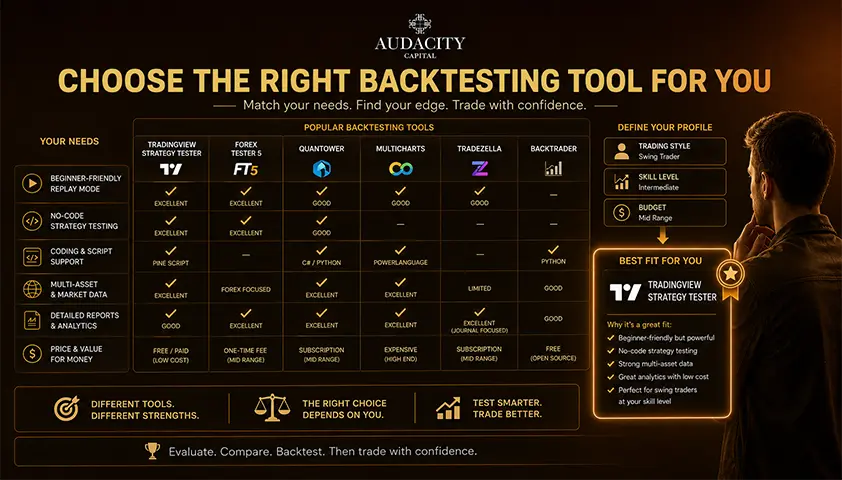
Work through six questions before picking any best backtesting platform:
Q1: Is the strategy discretionary or completely rules-based?
Q2: Which market and instrument will be traded live?
Q3: Do you code, want no-code rules, or only need manual replay?
Q4: Does the test require tick data, options chains, multiple symbols or portfolio rebalancing?
Q5: Which execution costs and order behaviours must be modelled?
Q6: Must the strategy move directly into a broker, MetaTrader EA or funded-account workflow?
Practical mappings:
- Manual forex trader: Forex Tester or FX Replay.
- TradingView-native technical trader: TradingView, with TrendSpider as a no-code alternative.
- MT5 EA trader: MetaTrader 5 Strategy Tester.
- Futures system trader: NinjaTrader Strategy Analyzer.
- Python or portfolio researcher: QuantConnect LEAN.
- Strategy-generation user: StrategyQuant X.
- US multi-asset trader wanting testing and execution together: TradeStation.
- Advanced desktop technician: AmiBroker.
Functional fit comes before price. Cheap software is expensive if you have to rebuild the strategy elsewhere or buy separate data that was not part of the original decision.
Common Backtesting Software Mistakes
Mistake #1: Choosing software before defining the strategy.
Fix: write the rules first, then pick the tool that models them.
Mistake #2: Optimizing until the equity curve looks smooth.
Fix: reserve out-of-sample data and stop touching it.
Mistake #3: Testing on the same period used to build the idea.
Fix: split data before you look at it.
Mistake #4: Ignoring spread, commissions, swap and slippage.
Fix: model realistic costs, even if it hurts the result.
Mistake #5: Using current index members to test the past.
Fix: use point-in-time constituents to avoid survivorship bias.
Mistake #6: Using indicator values or higher-timeframe data before they were actually available.
Fix: guard against look-ahead bias by lagging inputs correctly.
Mistake #7: Assuming bar-close data can resolve stop and target sequence inside one candle.
Fix: test on finer granularity or accept the ambiguity in your metrics.
Mistake #8: Comparing tools with different data and blaming the tool.
Fix: normalise data, symbol and cost assumptions before comparing.
Mistake #9: Moving straight from backtest to real capital.
Fix: forward-test in a demo or funded evaluation first.
Conclusion
The decision is workflow-first. The software is only the container.
Data, execution modelling, sample design, validation and forward testing decide whether the result is useful.
Even the best software for backtesting trading strategies cannot rescue a strategy tested on the wrong period, with the wrong costs, on the wrong instrument.
A practical next step: pick the tool that matches the market you will actually trade, and write the strategy rules on paper before you open the tester.
Frequently Asked Questions
MetaTrader 5's Strategy Tester and TradingView's free tier are the most widely used no-cost options. MT5 suits coded EAs on forex and CFDs, while TradingView suits chart-based trading strategy backtesting software on Pine Script. Both have limits: MT5 depends on broker data quality, and TradingView's free tier restricts bar counts and deep-history features.
Yes, through visual builders in TrendSpider, some TradingView community tools and manual replay platforms such as Forex Tester and FX Replay. No-code testing works well for indicator-based and discretionary setups. Complex position management, portfolio rules and custom execution logic usually still need code.
It can be, if you configure commissions, slippage and appropriate history, and if you understand that its broker emulator is a model, not your broker. TradingView is strong for hypothesis generation and comparison across markets. For strategies that will trade tick-sensitive setups, verify results in the platform where the strategy will run live.
For coded EAs that will run in MT5, yes, because the test uses broker-specific symbols, spreads and swaps. For quick chart-based testing across many instruments, TradingView is often faster. The right forex backtesting software is the one that matches your live execution environment.
Enough to cover multiple market regimes, not a fixed trade count. A strategy that only trades trending markets should be tested through ranges, reversals and high-volatility periods as well. Sample adequacy also depends on trade frequency, holding time and how sensitive the strategy is to conditions.
Backtesting runs strategy rules against historical data. Paper trading runs the strategy in real time on a simulated account. Backtesting produces a large sample quickly, while paper trading exposes issues that only appear with live data, latency and real order behaviour. Both belong in the workflow.
It can draft strategy code and explain concepts, but generated code and calculations must be independently checked. AI can produce plausible-looking logic that silently uses look-ahead bias, incorrect indicator references or unrealistic fills. Treat AI output as a starting draft, then verify every line and every result in a real tester.
Different data sources, symbol specifications, spread and commission assumptions, and fill models produce different outcomes for the same rules. Two platforms can both be internally consistent and still disagree. Before concluding that one platform is wrong, normalise the inputs and check how each one handles intrabar orders, gaps and costs.

Pronto ad applicare un rischio disciplinato alle criptovalute? Esplora i nuovi strumenti crypto di Audacity Capital e porta la tua strategia di trading.
Scopri di PiùNewsletter
Iscriviti alla newsletter per restare aggiornato.
Unisciti Alla Nostra Community Social

Inizia Il Tuo Viaggio Oggi Con La Nostra Prova Gratuita
Mostra con orgoglio le tue abilità e i tuoi risultati attraverso certificati e ottieni riconoscimenti per il tuo duro lavoro e dedizione da potenziali investitori e colleghi.
Prova GratuitaArticoli Correlati
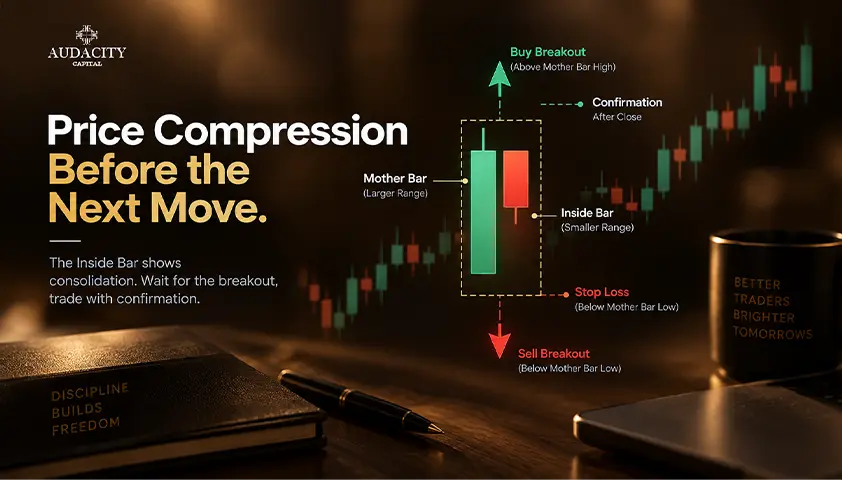
Inside Bar Pattern: Meaning, Examples and Trading Rules
Learn how to identify the inside bar pattern, compare entry and stop rules, and assess false breakouts before testing a trading strategy.

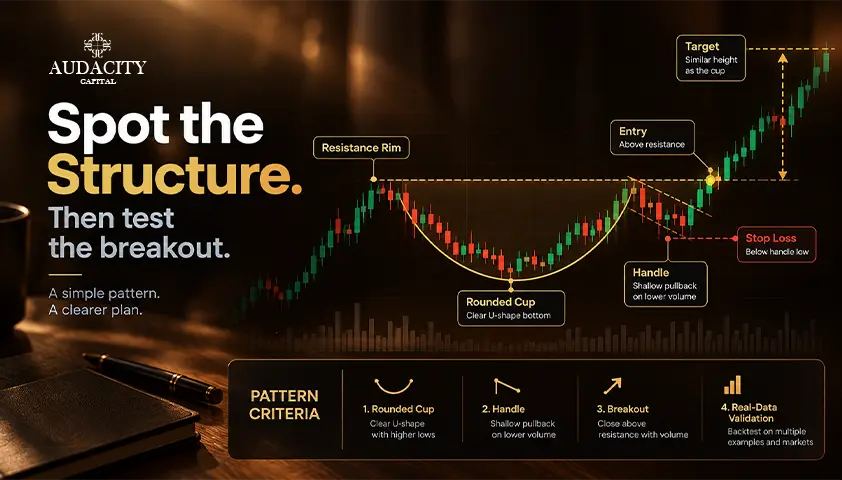
Cup and Handle Pattern: Criteria, Entry and Real Data
The cup and handle pattern explained: the criteria sources disagree on, how to trade it, and what the performance data actually says.

How Many Trading Days in a Year?
How many trading days are there in a year? See the number of U.S. stock market trading days in 2026, monthly totals, holidays and how markets differ.

Spinning Top Candlestick Pattern: Meaning, Formation & How to Trade
Learn what the spinning top candlestick pattern means, how it forms, bullish and bearish setups, confirmation signals, trading strategies, examples, and risks.