

7 Best Charting Platforms for Trading in 2026


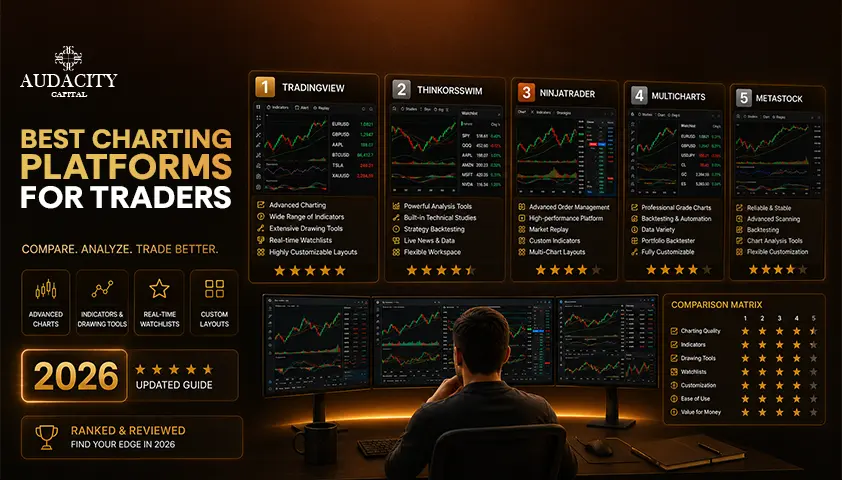
Your charts are where you make your decisions, and that platform on which you analyze your charts really does matter.
This guide focuses on the best charting platform options for 2026 and what to look for when choosing the best platform for your actual trading style.
Two things make this guide different.
First, many charting roundups are just quietly published by the platforms they crown, so this one starts with some of the more established platforms and will provide each platform's honest limitation.
Second, most guides focus on trading US stocks, so here you will find information on what forex, CFD traders and funded traders need, including the difference between the platform you chart on and the platform you execute on.
What is a Charting Platform?
There are two layers in your trading process, and this is the main theme of the entire article.
A charting platform is the analytical layer.
Here, you read price action, apply indicators and drawing tools, operate a screener or scanner, backtest ideas, replay past sessions and set alerts. Its job is to guide you in making a decision.
A trading or execution platform is the layer at which you place orders. It is associated with your broker or prop firm account and is where you actually open, size and close a position.
Standalone charting sites such as TradingView or TrendSpider have their own market data and do not need a broker account.
A broker's platform, such as thinkorswim, must have an account with that broker since the charting and the execution are paired together.
Some traders intentionally separate charting and trading, so that their analysis is not dependent on a particular broker.
Others like platforms with broker integration that connect the two so that you can trade straight from the chart.
What to Look for in a Charting Platform
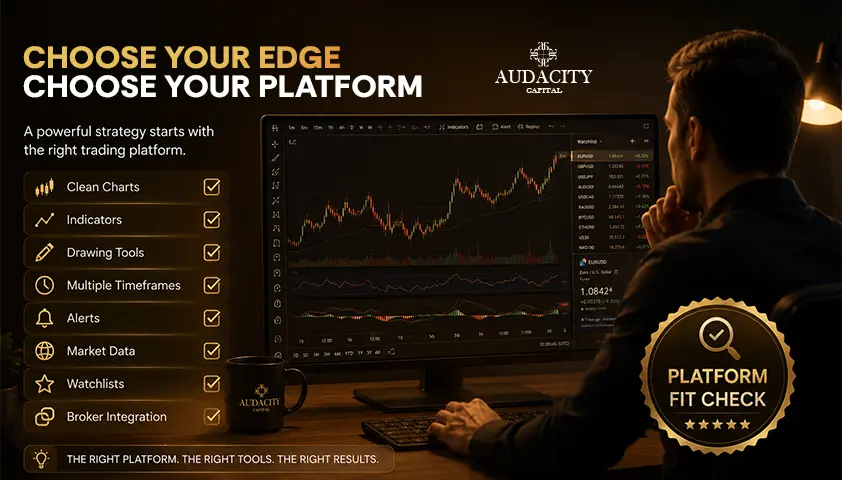
Prioritize the following features in order and not based on how many features there are.
1. Chart quality and speed.
Clean rendering and good responsiveness of your own machine. It costs you more to have a laggy chart than it does to not have a feature.
2. Indicators and drawing tools.
Depth of the built-in library, and whether you can build or import your own.
3. Asset and market coverage.
Make sure to note that most of these charting systems are focused on US stocks. If you trade forex, CFDs, or non-US markets such as NSE India, LSE or DFM, make sure to check coverage in advance.
4. Data quality.
Real-time market data as opposed to delayed feeds and any data fees.
5. Screener and scanner tools.
How fast one can narrow down the pool of candidates to those worth charting.
6. Backtesting and bar replay.
Featuring testing a rule with history, and running old sessions bar by bar to get used to reading them.
7. Alerts.
The amount of items your tier allows for, and how flexible they are.
8. Automation and scripting.
For instance, Pine Script for creating custom studies and strategies.
9. Browser vs Desktop vs Mobile.
Where and how you will actually work.
10. Broker integration.
Relevant only if you wish to place orders directly from the chart.
The practical rule: pick the top two or three features you'll actually use on a daily basis and not the top ten features you read on the sales page.
The Best Charting Platforms for 2026
Here are the actually founded platforms and the forex standard and the emerging AI category. The prices, tiers and features mentioned here may change often, so use any of these figures as a guide and check each platform individually before subscribing to their services.
Platform | Best for | Markets covered | Standout | Free tier | Typical price |
TradingView | Most traders overall | Broad multi-asset, global | Community and Pine Script | Yes, limited | ~$14.95 to $59.95/mo |
thinkorswim | US stocks and options | US equities and options | Options analytics | Free with Schwab account | Free with account |
TrendSpider | Automation and backtesting | US-listed multi-asset | Automated analysis | No usable free tier | ~$22 to $79/mo |
NinjaTrader | Futures and order flow | Futures focus | Order-flow tooling | Free for charting | Execution needs account |
TC2000 / Finviz | Scanning and screening | US equities | Fast candidate finding | Finviz has free tier | Varies |
MT5 / cTrader / DXtrade | Forex and CFDs | Forex, CFDs, more | Charting plus execution | Free from broker/firm | Cost sits in spread |
1. TradingView – Best overall for most traders
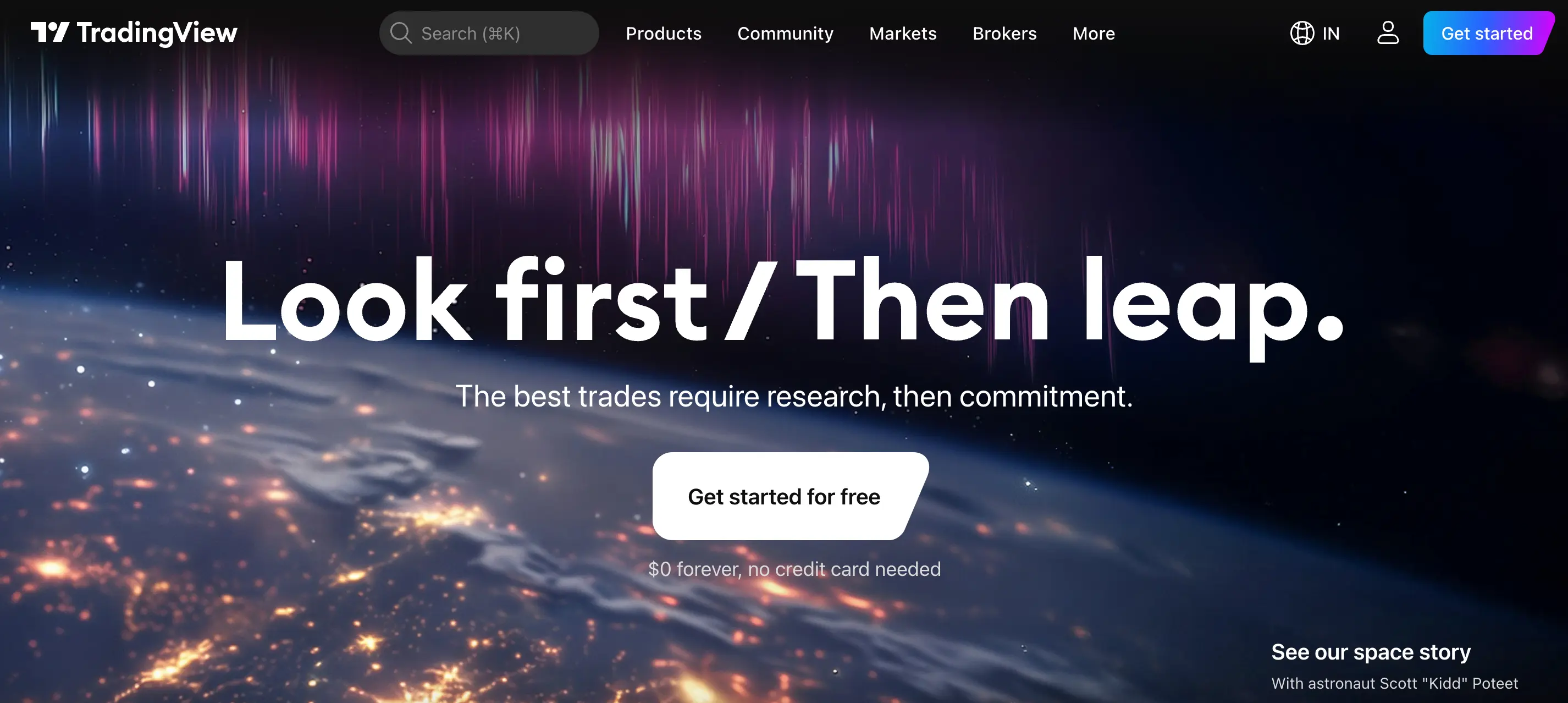
In 2026, TradingView is the real default choice of most traders. It is browser-based, it has the largest trading community and its Pine Script language is the power behind more than 100,000 published community indicators. It supports several asset classes such as forex, and offers the widest international exchange coverage, relevant if you are following NSE India, LSE, TSX or HKEX listings.
Pros: The most comprehensive, easily accessible, community-based charting experience on the market.
Cons: they have a free tier, but only one indicator per chart, one alert, one layout and ads. Paid tiers run roughly $14.95, $29.95, and $59.95 per month, and it has no native AI features. Check the latest rates before purchasing.
Who it is not for: none, really, so it's the default. If you require order-flow depth / free institutional options analytics, you'll need to scroll down this list.
2. thinkorswim - Best for US stocks and options
Now owned by Charles Schwab, thinkorswim is the free desktop trading platform for equity and options traders in the United States. It hosts 400+ studies, high-quality options analytics and an OnDemand feature available that lets you practice on session replays and a paper trading simulator.
Pros: an institutional quality analysis without additional charge.
Cons: it's free only if you use a Schwab brokerage account, it is heavily US stock and options-based, and it's a company that takes a week to master, not hours.
Who it's not for: non-US traders and forex or CFD traders. It's just an inappropriate tool for those markets.
3. TrendSpider - Perfect for automation and backtesting
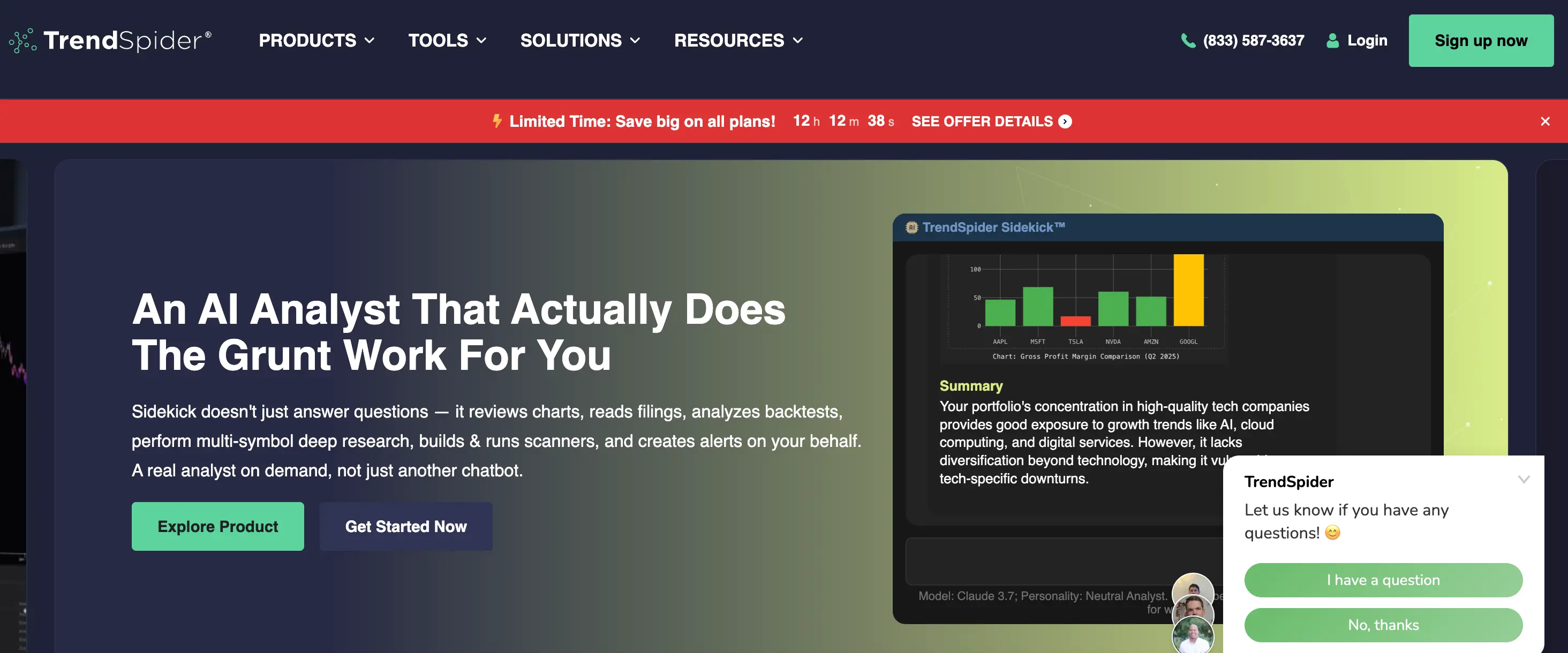
TrendSpider is the best one for automation. It provides automated multi-timeframe trendline and pattern detection, plain English scanning without coding, and no-code backtesting and bar replaying over decades of historical data. Replaces technical analysis tasks you might be performing manually in other areas.
Pros: replaces manual chart work with rules to test.
Cons: It costs anywhere between $22 to $79 monthly (no free tier) and targets the US listed multi-asset markets.
Who it is for: rule-based traders who will use scanning and backtesting. If you don't, you're paying for automation you don't use.
4. NinjaTrader - Best for futures and order flow
NinjaTrader is the futures specialist. It provides excellent market-depth and order-flow tooling; it's free to use for chart analysis, and it requires a funded account with them to execute.
Pros: Order flow and depth analytics for futures traders.
Fit for: is futures-focused, so it is a close fit for those who trade forex or stocks.
5. TC2000 and Finviz - Best for scanning and screening
The scanning experts are these two and they need to be covered together. The job of TC2000 is to deliver a fast, power user US stock scanning solution. The standalone screener and scanner benchmark that is widely used for quickly filtering markets before even you open a chart: Finviz.
Pros: the ability to quickly identify candidates that are of interest to you.
Cons: both are US-equity focused, screening is a step before charting, not a charting suite.
6. MetaTrader 5, cTrader and DXtrade - The forex and CFD standard.
This is exactly the part this audience desires and what the other guides miss. The platforms that most Forex, CFD, and prop traders already execute on are MT5, cTrader and DXtrade. All ships feature professionally built charting that includes multiple timeframes, indicator sets, and drawing tools, as well as EA and algorithmic tooling on MT5 and cTrader.
Pros: charting and execution in one place, on the platform your account is already on, and free from the broker or prop firm since the cost is in the spread, not the monthly subscription.
Cons: this charting package is not its own application but part of your account platform, and the indicator and community platform are not as extensive as TradingView's. This is why lots of forex traders chart on TradingView and trade on MT5 or DXtrade.
7. Newer AI-charting platforms – An emerging category.
For tools such as ChartingLens, which are newer forms of AI-charting platforms, a factual and concise discussion can be valuable. This class includes AI-powered buy and sell indicators, automated pattern recognition, conversational chart assistants, and unusually generous free tiers. It's truly fresh because there's not much native AI on the dominant platforms.
Be even-handed about the caveats. The platforms are newer and less established than the incumbents, most of their claims are self-published and several rank themselves first in the search results. Always test and confirm AI signals, do not trust these on a whim.
Pros: AI tooling that can be used on a free tier.
Cons: a short track record and marketing claims that are unverifiable.
Charting vs Execution: What it means for Forex and Funded Traders
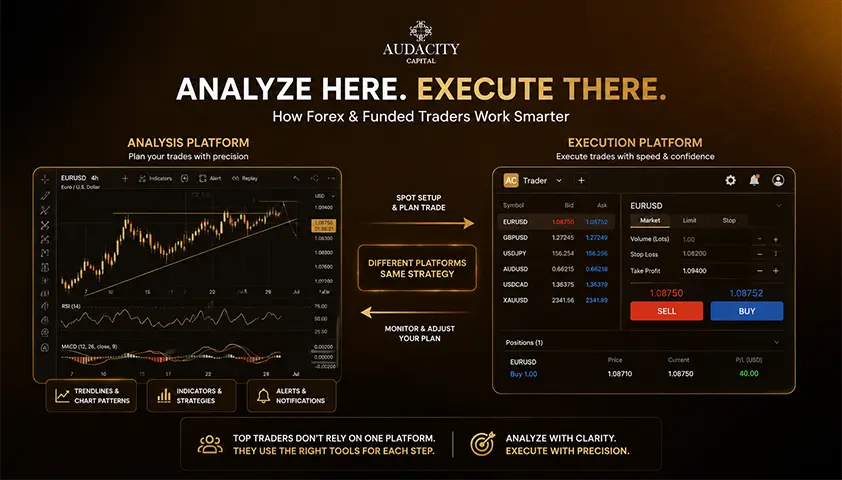
This is something nearly all other guides don't explicitly state. You can analyze on any chart you want but you have to execute where your account is.
For this audience, it is a very serious matter. Forex and CFD traders, in addition to almost all prop traders, trade on MT5, cTrader, DXtrade, or Match-Trader.
Therefore, a standalone charting platform, such as TradingView, works in conjunction with your account as an analysis layer. It is not a replacement for the account platform.
This is even more significant with a funded account.
Orders are placed through the firm's platform, and most importantly, your rules and limits on drawdown are enforced through this platform.
Drawdown is the highest amount your account can go down before the rules are violated. Your charts can be anywhere, but your orders can't.
If you are looking to trade directly from a chart, then you should make sure that the broker integration is able to support your particular account before you rely on it.
The trading routine that most forex traders adopt is something like this: analysis and alert set-up on the charting platform, trades made on the account platform, and risk rules stay with the account platform.
Automated trading by EAs normally happens from the account platform and not the charting platform, which is another explanation, the two layers remain separate in practice.
The Free vs Paid Reality
Let us talk about money honestly.
Free tiers are actually usable but restricted.
TradingView's free tier allows one indicator per chart, one alert, and one layout, with ads. NinjaTrader is free for chart analysis only and thinkorswim is free but requires a Schwab account.
There are also some newer AI platforms that offer a generous free tier first to get users' attention.
The price for paid charting is usually between $10 and $80 per month, depending on the tier and features.
Then there's another cost that most guides don't consider: real-time market data. Data fees are not included in software subscription and can significantly contribute to your monthly bill.
Traders are also divided into professional or non-professional traders, which also affects the rate. To be fair, it's primarily to US equities and futures, so check how it will impact the market you are trading.
Forex and CFD trading are different. MT5, cTrader or DXtrade do not have a broker or prop firm's imprint on the charting and the expense is in the spread, not in a subscription and separate data fee.
The “take away” rule is to pay for a change that is affecting decisions you must make, like a screener or backtester you will actually use, not for a longer list of features.
Take advantage of free tiers to trial a platform correctly before subscribing.
What a Charting Platform Cannot Do
This is the core of the whole guide. A better chart removes friction. It does not create an edge.
Four things are worth being blunt about.
First, more indicators do not mean better decisions. Cluttered charts and analysis paralysis are real problems, and most professionals run a handful of tools, not dozens.
Second, indicators lag. They are derived from past price, so they confirm what has happened rather than predict what will. Building a strategy on lagging tools while expecting them to forecast is a common and expensive mistake.
Third, no platform supplies discipline, risk management, or position sizing. That is where most traders actually fail, and no subscription fixes it.
Fourth, AI signals and automated pattern detection are tools to be verified and backtested, not guarantees. A signal you cannot explain is not a strategy.
The takeaway: pick the platform that gets you from chart to decision fastest, then spend your real energy on the strategy and the risk management, because that is what determines the outcome.
Conclusion
To recap the field. Two things matter most.
Charting is the analysis layer and execution is a separate layer, so you can chart anywhere but you must execute where your account lives, which matters especially on a funded account where the platform enforces your rules and drawdown.
And paying more only helps if you use what you pay for, so watch the separate market-data fees on US equities and futures.
Stay honest about the rest. A better chart removes friction but does not create an edge, indicators lag, and discipline and risk management still decide the outcome.
FAQ
Yes, and many traders prefer it. Standalone charting platforms carry their own market data and do not require a brokerage account, so you can analyze one and execute where your account lives. Trading directly from the chart, however, needs supported broker integration for your specific account.
It depends entirely on what you will actually use. If a scanner, backtester, or multi-chart layout genuinely changes your decisions, it can pay for itself. Paying for a longer feature list you never touch does not improve your results.
Most forex traders either chart directly in MT5, cTrader, or DXtrade, where charting is built in and free from the broker or prop firm, or they analyze on a standalone platform with broad forex coverage and execute on their account platform. Both approaches are common and valid.
Real-time exchange data is licensed separately from the software, so exchange fees can sit on top of your subscription. Traders are also classified as professional or non-professional at different rates. This applies mainly to US equities and futures, so verify the specifics for your markets.
Not for standalone platforms, which include their own market data. Broker-provided platforms do require an account with that broker, which is one reason many traders keep their charting independent of any single broker.
They are tools, not guarantees. Automated pattern detection and AI signals can speed up analysis, but they should be verified and backtested before you act on them. A signal you cannot explain is not a strategy.
Most experienced traders use only a handful. Additional indicators tend to overlap and cause analysis paralysis rather than sharper decisions, so clarity usually beats coverage.
You can analyze anywhere you like, but your orders must be placed on the platform your funded account runs on. That is where the firm's rules and drawdown limits are enforced, so your analysis can be independent while your execution cannot.

क्या आप क्रिप्टो पर अनुशासित जोखिम लागू करने के लिए तैयार हैं? Audacity Capital के नए क्रिप्टो उपकरणों का पता लगाएं और अपनी ट्रेडिंग रणनीति लाएं।
और जानेंन्यूज़लेटर
हमारे न्यूज़लेटर से जुड़ें।
हमारे सामाजिक समुदाय में शामिल हों

आज ही अपनी यात्रा शुरू करें हमारे नि:शुल्क परीक्षण के साथ
प्रमाणपत्रों के माध्यम से अपने कौशल और उपलब्धियों को गर्व से प्रदर्शित करें और संभावित निवेशकों और साथियों से अपनी कड़ी मेहनत और समर्पण के लिए पहचान प्राप्त करें।
नि:शुल्क परीक्षणसंबंधित लेख
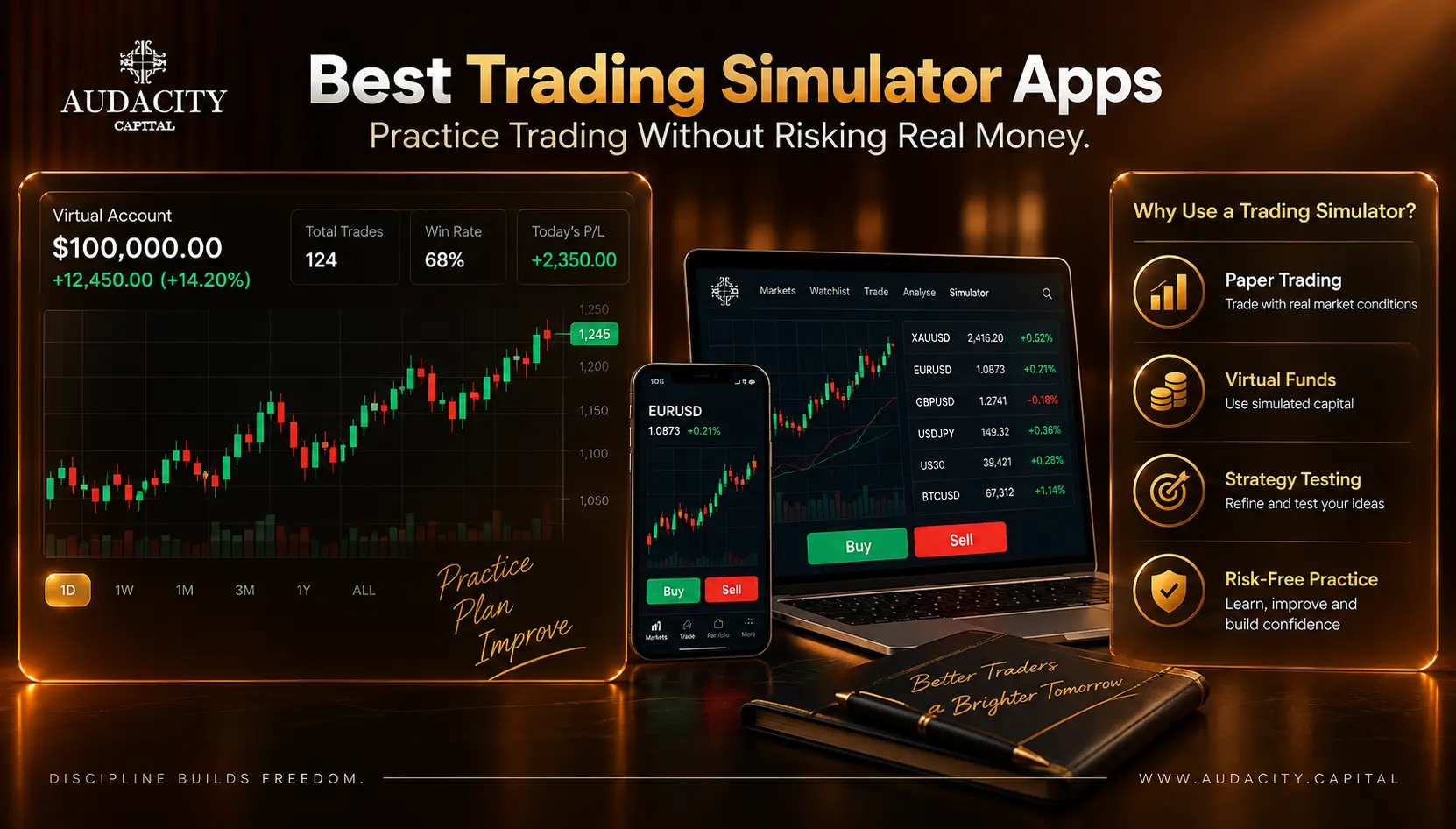
Best Trading Simulator Apps in 2026: Practice Trading Risk-Free
Compare the best trading simulator apps in 2026 for stocks, forex, futures and crypto. See features, markets, realism, pricing and beginner-friendly options.

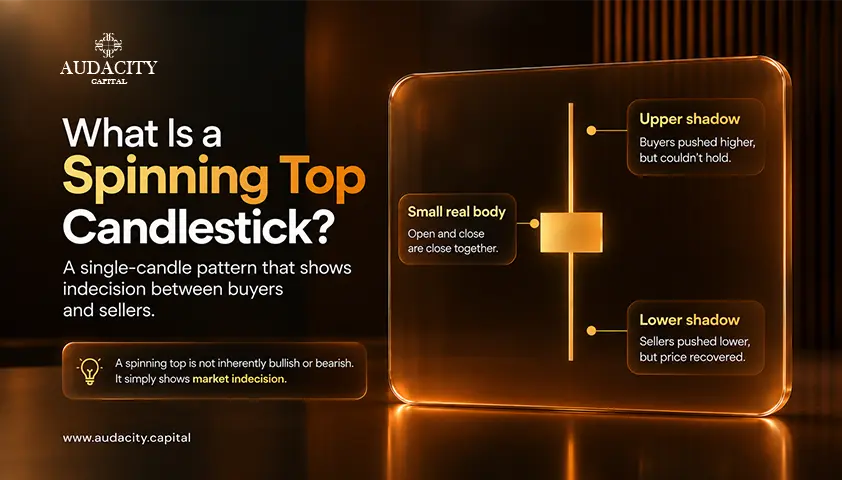
Spinning Top Candlestick Pattern: Meaning, Formation & How to Trade
Learn what the spinning top candlestick pattern means, how it forms, bullish and bearish setups, confirmation signals, trading strategies, examples, and risks.
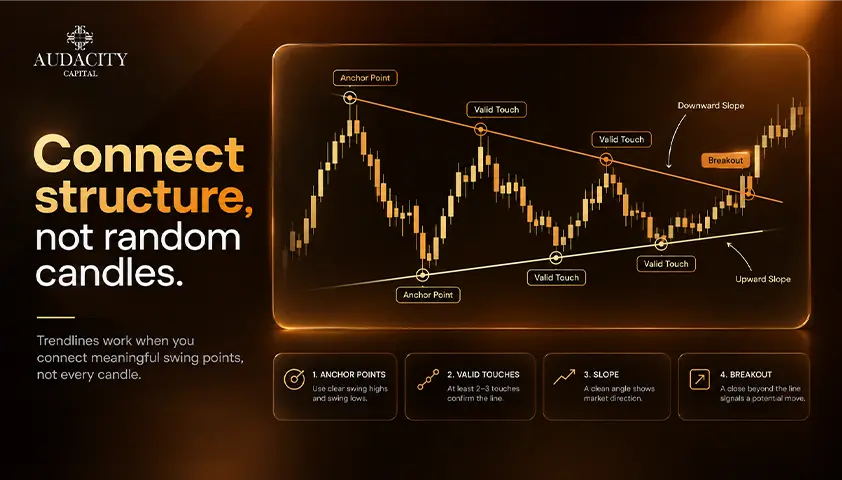
How to Draw Trend Lines
How to draw trend lines step by step, whether to use wicks or bodies, when a line is valid, and when to redraw versus accept a break.
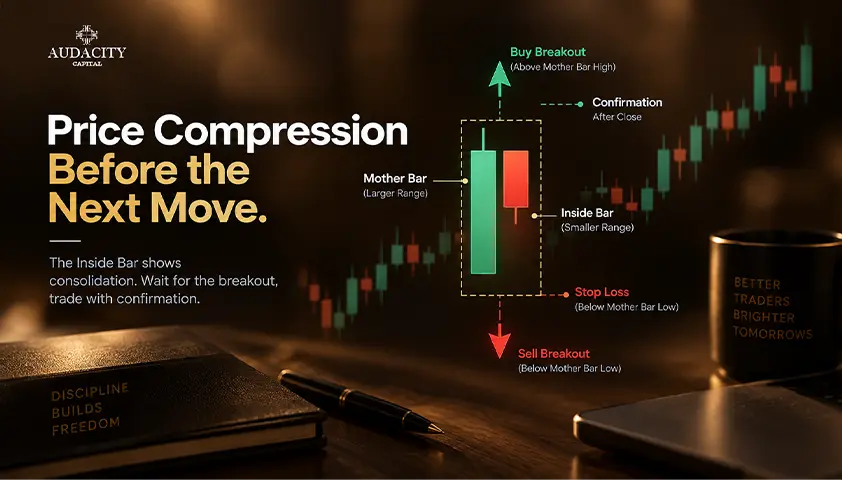
Inside Bar Pattern: Meaning, Examples and Trading Rules
Learn how to identify the inside bar pattern, compare entry and stop rules, and assess false breakouts before testing a trading strategy.