



What Is a Day Trading Platform? A Complete Guide for Traders


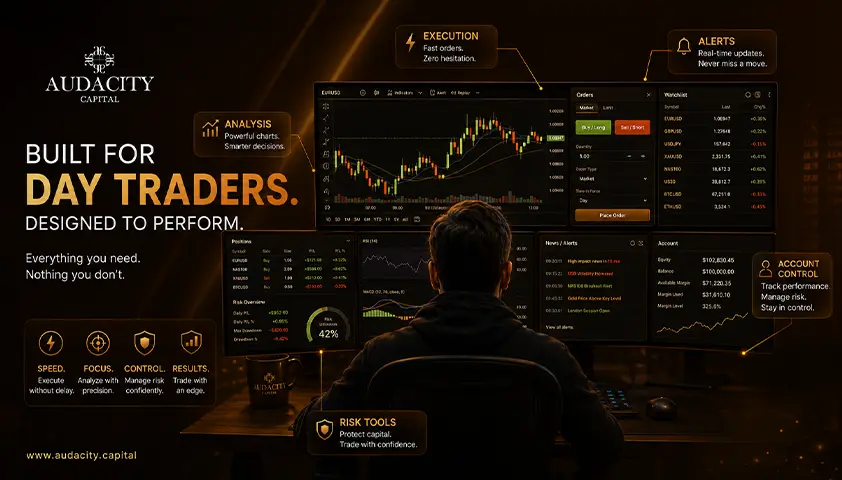
You already know what day trading is.
What you cannot pin down is what the "platform" actually is, because the word gets used for three different things at once: the software on your screen, the company holding your money, and the app on your phone.
That is the confusion this guide clears up.
What is a day trading platform? In one line, it is the software you use to see live prices, place and manage orders, and control risk inside a single session.
Below, we cover how it works, how it differs from a broker, the four types most articles blur together, what it costs, and how to choose.
What Is a Day Trading Platform?
A day trading platform is the software you use to see live market prices, place and manage orders, and control risk inside a single trading session.
That is the whole job, split three ways.
1. It shows you the market: Live prices, charts, and the movement you are trading against.
2. It lets you act on it: You place orders, adjust them, and close them without leaving the screen.
3. It helps you control risk: Stops, position sizing, and account limits live here.
One thing to separate early: the platform is the screen, not the market. It displays the market and sends your instructions to it, but it is not where your account or your money sits.
Day Trading Platform vs Broker: What Is the Difference?
Here is the trading platform vs broker distinction almost nobody explains: the broker or prop firm provides the account and the market access, while the platform is the software you use to work that account.
Two questions separate them cleanly.
The broker answers: where is my account held, and who executes my order?
The platform answers: what am I looking at, and what am I clicking on?
Think of your bank. The bank holds the money. The banking app is what you tap to move it. The app is not the bank, and a slick app cannot fix a bad bank.
The trading platform vs broker difference matters for one practical reason. The same platform can sit on top of many different brokers, and the conditions underneath, spreads, commissions, execution quality, instruments, and funding, can be completely different.
A good platform cannot rescue a bad account.
So when you compare day trading platforms, you are often comparing the same software running on very different accounts. Judge the account, not just the screen.
How Does a Day Trading Platform Work?
You place an order in the software, it travels to your broker or firm, gets routed to a venue or an internal execution engine, is filled at whatever the market will give you, and the fill comes back to your screen.
One honest note in that chain: the price you get is not always the price you clicked. The gap between the two has a name, slippage, and it widens when the market moves fast or liquidity is thin.
Understanding how does a day trading platform work gets simpler once you see the three layers every platform is built from.
1. The data layer: live prices coming in.
2. The execution layer: your orders going out.
3. The risk layer: stops, limits, position sizing, and account rules.
Every feature you will read about next belongs to one of these three layers. That is the frame for the rest of this guide, and it is what turns a random feature list into something you can actually reason about.
The 4 Types of Day Trading Platform
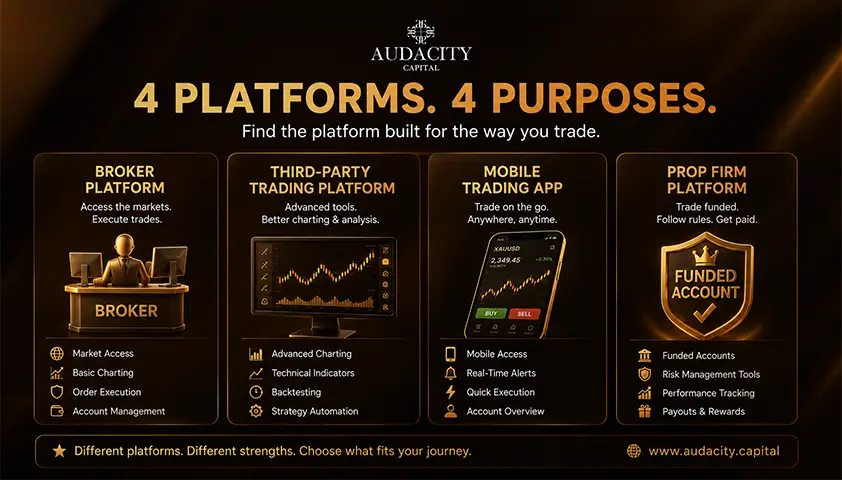
Most "best platform" lists rank four fundamentally different products against each other, which is exactly why the whole category feels confusing. Once you see the four types of trading platforms by how they are built, the fog lifts.
1. Broker-built (proprietary).
A proprietary trading platform is built in-house by a broker for its own clients. You can only use it while you hold an account there, and you cannot take it with you if you leave. Often the most polished, and the most locked-in.
2. Third-party, multi-broker.
Built by an independent software company and licensed to hundreds of brokers and prop firms.
Here is the part beginners miss: the software can look identical across two firms while the spreads, commissions, instruments, and execution underneath are completely different. Judging the firm by the platform is a mistake.
3. Charting-first, with broker integration.
Primarily analysis and charting day trading software that can also send orders to a connected broker. People call these "platforms," then wonder why the account, the money, and the execution live somewhere else. They live with the broker.
4. Firm-provided (funded and evaluation accounts).
A prop firm serves the platform on a simulated account. The difference is not the software, it is who sets the rules. Risk limits are set by the firm, and the capital is simulated.
Type | Who builds it | Where you get it | What most people get wrong |
Broker-built (proprietary) | The broker itself | Only with that broker | You cannot take it if you leave |
Third-party, multi-broker | Independent software company | Any firm that licenses it | Same screen, very different account |
Charting-first | Charting software company | Standalone, links to a broker | Money and execution live elsewhere |
Firm-provided | Prop firm on licensed software | Through the firm | It is the rules that differ, not the software |
The Features That Actually Matter for Intraday Trading
Most feature lists are marketing. Only a handful of features change what a day trader can actually do, and they sort neatly under the three layers from earlier.
Group 1: Data.
- Level 1 shows the best bid and ask.
- Level 2 market data shows the resting orders behind it, the market depth.
- Depth of market (DOM) is that order book displayed as a ladder.
Note: Most chart-based traders never need Level 2, and for many it is information overload, not an edge.
Group 2: Execution.
The order types that matter intraday are market, limit, and stop, plus bracket or OCO structures that attach a stop and a target to your entry in one action.
Hotkeys speed up repetitive actions.
Direct market access (DMA) routes your order straight to the venue rather than through a dealer, which matters in some markets and is irrelevant in others.
Group 3: Risk.
Position sizing tools, stop and target attachment, account-level loss limits, and a demo mode.
This is the layer beginners ignore and the one that decides whether they survive their first month.
What a Day Trading Platform Actually Costs
A "free platform" almost always means the cost sits somewhere else. Here is where it hides.
1. Platform fees.
Some professional platforms carry a monthly subscription, commonly in the range of tens to low hundreds of dollars per month according to third-party provider pricing, and often waived above a volume or commission threshold.
2. Market data fees.
The one that blindsides people. Real-time exchange data is not free. Level 2 and depth data cost more than Level 1, and the bill scales with how many exchanges you subscribe to. Ranges vary widely by market and provider, so treat any single figure with caution. These market data fees are separate from the platform itself.
3. Professional vs non-professional classification.
The same data can cost several times more if the exchange classifies you as a professional user. Almost nobody writes about this, and it materially changes your monthly bill.
4. Commissions vs spreads.
In some markets you pay a visible commission per trade. In others the cost is baked into the spread with no separate line item, so the platform looks free because the cost is invisible, not absent. Neither is inherently cheaper. Read both.
How to Choose a Day Trading Platform
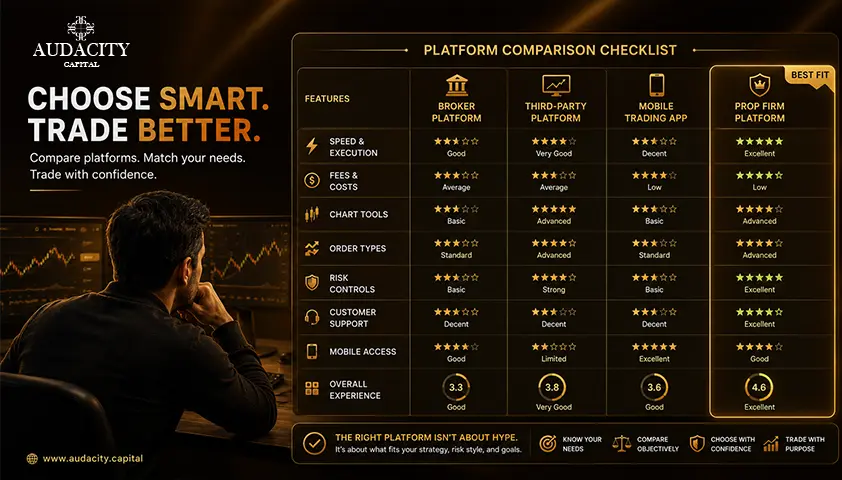
Choose the account first, and then the platform. The account decides what you can trade and what it costs. The platform only decides how comfortably you work it. That order is the opposite of most advice you will read, and it is the right one.
1. Match the platform to what you actually trade
The instrument decides the platform, not the other way round. If you trade one market, you do not need the platform built for another. Start from what you trade, then find the software that serves it.
2. Desktop, web, or mobile
- Desktop for the working session: multiple charts, hotkeys, a fixed layout.
- Web for a lighter setup with nothing to install.
- And mobile for monitoring and managing an open position.
Be blunt with yourself about the last one, because entering trades on a phone during fast conditions is how people fat-finger a size.
Note: A stable connection matters more than a fast one. The platform is rarely what fails you when your Wi-Fi does.
3. Test it on a demo before you fund anything
The purpose of a demo is not to prove a strategy works. It is to make the platform boring, so that in a live session you are thinking about the trade, not hunting for the close button.
Run this checklist before you commit:
- Does the account give me the instruments and the costs I want?
- Does the platform show me what I need to see?
- Can I place and manage risk in the number of clicks I have time for?
- Do I know the full monthly cost, including data?
- Have I sat in front of it for a week with no money on the line?
Day Trading Platforms on a Funded Account
When a prop firm provides the platform, the software is not the difference. The difference is who sets the rules and whose capital is at stake.
The account is simulated, the risk limits are set by the firm and published up front, and the trader is evaluated on discipline rather than on account size.
At Audacity Capital, that means MT5 and DXTrade, available on desktop, web, and mobile, including a browser-based terminal that needs no install.
DXTrade is the route available to US-based traders. Drawdown is static, which means the limit is fixed for the day rather than trailing your equity upward. Profit share is up to 90%.
News trading and weekend holding are allowed, with the caveat that positions must not be opened, closed, or added to within three minutes either side of a high-impact release.
Be clear on what this is. A funded account provides capital and structure. It does not provide an edge, and it will not make anyone profitable. The trading is still on the trader.
Frequently Asked Questions
Often, yes. Different markets connect to different venues and data feeds, and many platforms specialize in one asset class. Some multi-asset platforms cover several, but check that yours actually supports the instrument you trade before committing.
Yes, if it is a third-party, multi-broker platform. You log in with credentials from each firm you hold an account with. A broker's own proprietary software cannot be used anywhere else, since it is tied to that broker alone.
Effectively yes. A demo and a paper trading account both let you place simulated orders with fake money on live or delayed data. The terms are used interchangeably. The point of both is practice without financial risk.
The position stays open at your broker, because it lives on their servers, not your screen. This is exactly why brokers keep a phone dealing desk. Note the number before you need it, and use it to close or adjust if the software goes down.
No. A stop is an instruction to exit once a price is reached, not a guarantee of that price. In fast markets or thin liquidity, it can feel worse than your level. That gap is slippage, and it is normal.
Less than you think. Stability matters more than raw speed. A steady mid-range connection beats a fast one that drops. If reliability is a concern, a wired connection and a mobile backup are worth more than extra bandwidth.
Usually no. Most firms serve their evaluation and funded accounts on specific platforms they support, so you trade on their setup, not yours. Check the firm's supported platforms before you sign up if the software matters to you.

क्या आप क्रिप्टो पर अनुशासित जोखिम लागू करने के लिए तैयार हैं? Audacity Capital के नए क्रिप्टो उपकरणों का पता लगाएं और अपनी ट्रेडिंग रणनीति लाएं।
और जानेंन्यूज़लेटर
हमारे न्यूज़लेटर से जुड़ें।
हमारे सामाजिक समुदाय में शामिल हों

आज ही अपनी यात्रा शुरू करें हमारे नि:शुल्क परीक्षण के साथ
प्रमाणपत्रों के माध्यम से अपने कौशल और उपलब्धियों को गर्व से प्रदर्शित करें और संभावित निवेशकों और साथियों से अपनी कड़ी मेहनत और समर्पण के लिए पहचान प्राप्त करें।
नि:शुल्क परीक्षणसंबंधित लेख
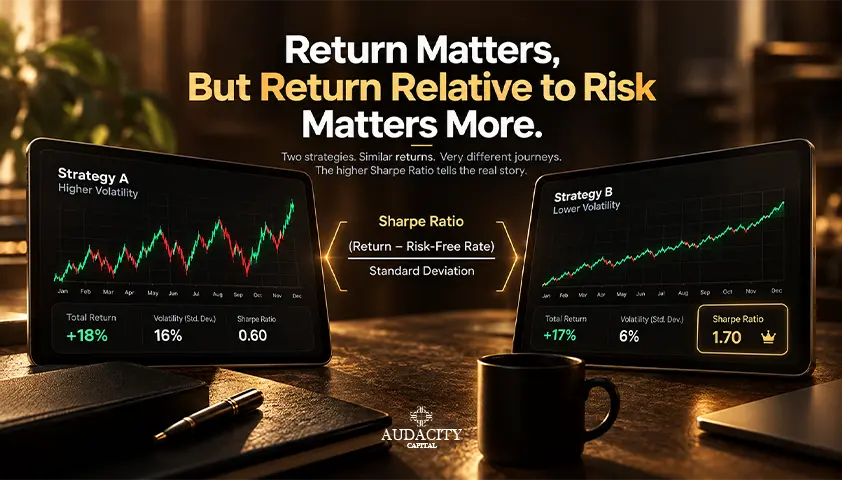
Sharpe Ratio: Formula, Calculation, Uses and Limitations
Learn how the Sharpe ratio works, how to calculate it, what a good score means, and where it can mislead investors, portfolios, and trading strategies.

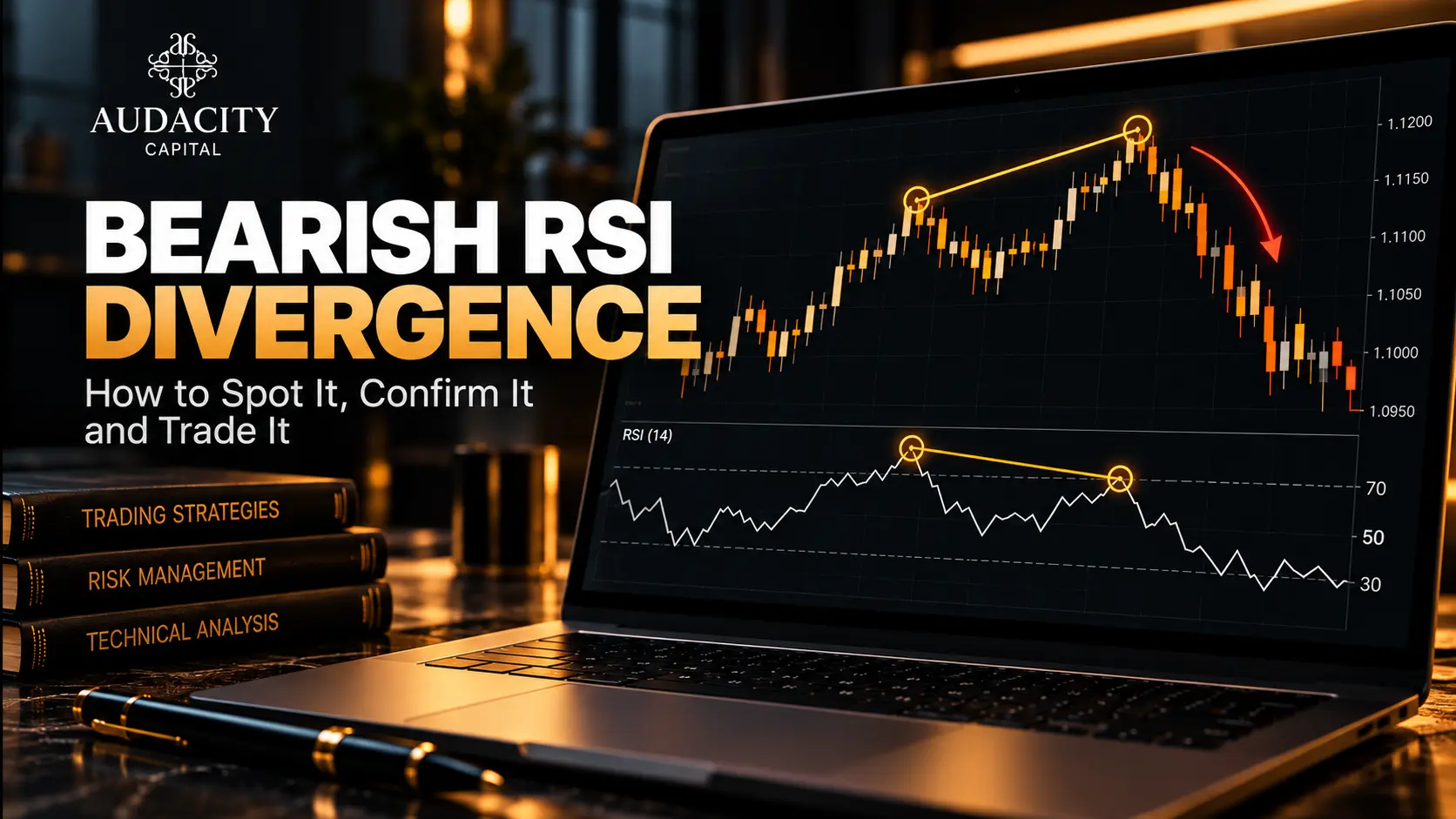
Bearish RSI Divergence: How to Spot It, Confirm It and Trade It
Learn how to identify bearish RSI divergence, confirm reversal signals, plan entries and exits, and manage risk with practical forex trading examples.
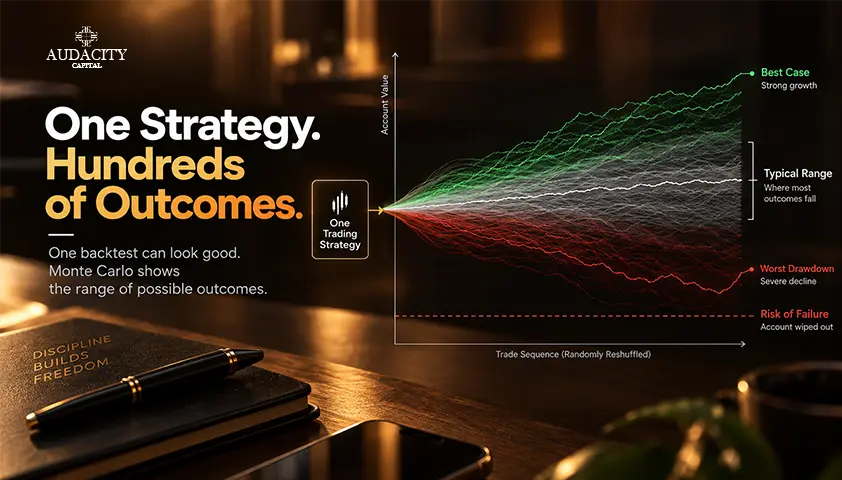
How to Stress-Test a Trading Strategy With Monte Carlo
Learn how Monte Carlo simulation reshuffles trades, estimates drawdown and losing-streak ranges, and tests a strategy beyond one backtest.
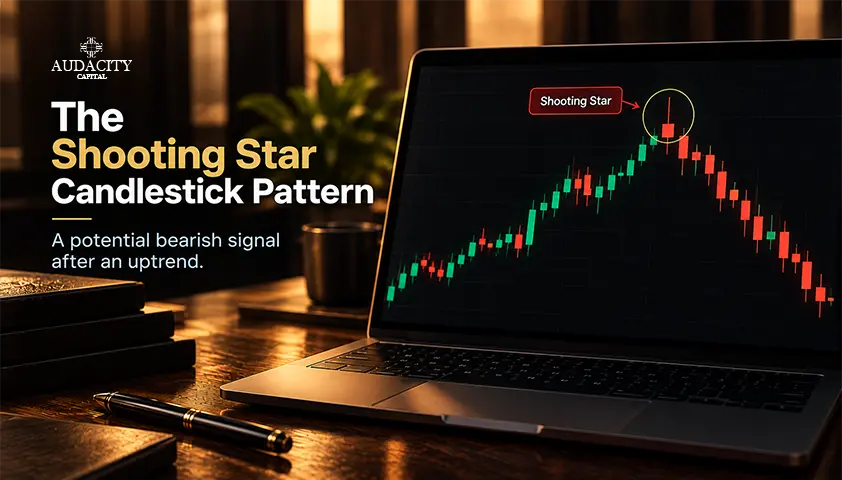
All About the Shooting Star Candlestick Pattern – Learn to Decode It
Learn what the shooting star candlestick pattern means, how to identify it, confirm bearish reversal signals, and manage trading risk.