


15 Best Day Trading Platforms in 2026 : Top Picks Compared


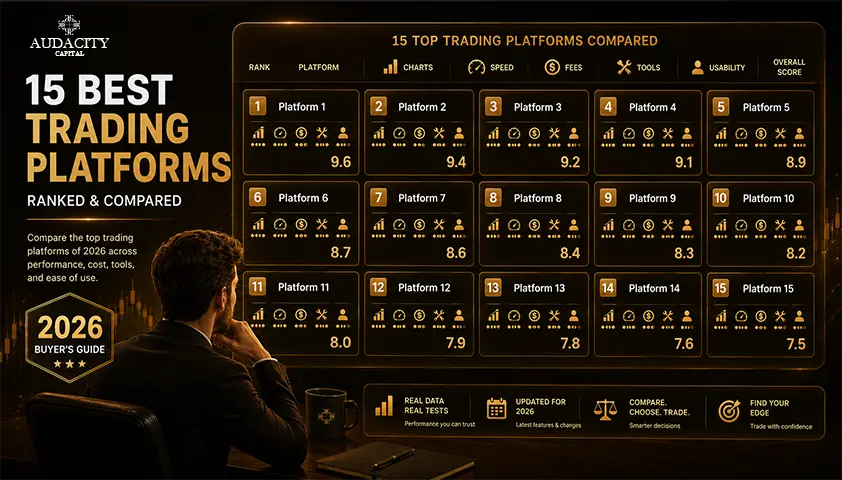
The best day trading platform will depend on what assets you trade, how frequently you trade, and what tools you actually need.
A stock trader making multiple intraday trades will have very different needs from a futures trader using an order-flow ladder.
An options trader might prefer strategy analysis and multi-legged orders, while forex traders might pay as much attention to the broker's platform as the software itself.
That's why this guide won't just list the top day trading platforms from first to last. Instead, we compare them according to their performance at their best job.
Quick Answer: Which Day Trading Platform Is Best for You?
For those who want a quick list of options, you can start from here:
Platform | Best For | Main Strength |
Interactive Brokers | Active multi-market traders | Access to a wide market and advanced execution. |
Charles Schwab thinkorswim | Active US traders | Paper trading, analysis and charting |
TradeStation | Systematic traders | Automation and backtesting |
Fidelity | Stock traders valuing research and execution | Research and active-trading tools |
Power E*TRADE | Options traders | Options analysis and risk tools |
tastytrade | Options and futures traders | Derivatives based workflow and pricing |
Webull | Newer active traders | Accessible interface and paper trading |
moomoo | Traders looking for market data and screeners | Data-rich interface |
Robinhood | Traders prioritizing simplicity | Easy mobile-first experience |
NinjaTrader | Futures traders | Futures execution, order flow and simulation |
Tradovate | Cloud-based futures traders | Browser-based futures workflow |
TradingView | Chart-focused traders | Broker integrations and charting |
MetaTrader 5 | Forex and CFD traders | Flexible execution and automation |
cTrader | Forex traders who appreciate order-depth tools | Market depth and clean execution interface |
DXtrade | Browser-based trading through supported brokers | Web-first trading environment |
There is an important distinction in this list.
Some of the names listed are brokers who hold your trading account, while others are trading platforms which connect to brokers or trading providers.
For example, Interactive Brokers is a broker, whereas TradingView is a charting and trading interface. Examples of such platforms are MetaTrader 5 and cTrader which are made available through participating brokers and companies.
That distinction impacts your fees, available markets, regulation, execution and account protection.
If you would like to learn more about this distinction, visit our guide to what a day trading platform is and how it works.
What a Day Trading Platform Actually Means?
The term “platform” is used to describe three separate products under one name. Work out which one it is you are really purchasing, and all choices that come further down the stream become easier.
Read more about What Is a Day Trading Platform?
Category 1: Broker platforms (your capital, your profits, your losses)
You put your own cash in, you get 100% of your profit after expenses, and you take 100% of your loss. Interactive Brokers, thinkorswim, TradeStation and Webull are all here.
In this category there's no payout because there's no one to pay you. When you withdraw, you are withdrawing your own money.
Category 2: Charting and execution layers (the cockpit, not the car)
MetaTrader 5, cTrader, TradingView, NinjaTrader, and DXtrade are all examples of software that does not hold your funds. They sit on top of a broker or a prop firm that owns the account, controls the spread, and fills your trades.
It is very common for traders to be confused by this. Telling someone "I use MT5" doesn't tell anyone anything about your costs or your counterparty. It simply shows you what the screen will look like.
Category 3: Funded and prop platforms (the firm's simulated capital, a share of the profits)
You pay a fee and pass an evaluation, or purchase immediate access, and trade the firm's simulated capital according to the rules set out. You won't risk your own money other than the fee, you don't own the entire profit, and there is a possibility of losing the account if you break one of the rules while still being ‘on the day'.
This is the only category where there is any payout.
Category | Whose capital | What you keep | What can go wrong |
Broker platform | Yours | 100% after costs | You are liable for all the losses yourself. |
Charting and execution layer | Neither, it is software | Depends on the broker or the company providing it | Hidden costs come from your provider rather than the app |
Funded and prop platform | The firm's simulated capital | A profit split, up to a published cap | Break a rule, and lose the account, even if it makes money |
How We Evaluated These Day Trading Platforms
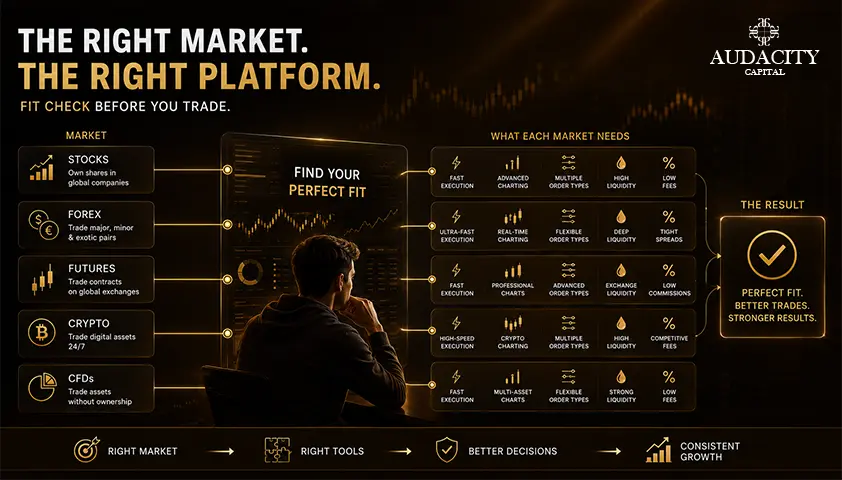
Below are the criteria we took into consideration when evaluating the best day trading platforms in 2026:
1. Trading costs
We analyzed commissions, fees, platform fees and other expenses which may become quite sizable with frequent trading.
The published commission is just one part of the equation. Based on the platform and market type, traders may have to pay for market data, exchange fees, routing, margin or subscription.
2. Markets available
A good stock platform is not necessarily a good futures or forex platform.
We evaluated what products each platform offered and whether traders could handle several markets through a single interface.
3. Order entry and execution tools
Day traders may require more than just market and limit orders.
Depending on the strategy, order types, bracket orders, stop orders, trailing stops, depth-of-market tools and routing options could all count.
4. Charting and analysis
We looked at chart customization, indicators, drawing tools, scanners, custom system building and testing, and strategy analysis.
5. Paper trading and strategy testing
Simulation can be helpful to traders of any level who are testing a new setup.
Platforms are more considered where simulated trading, backtesting, or market replay is part of the workflow.
6. Desktop, web and mobile experience
Some traders may need a robust desktop trading station. Other traders may prefer the convenience of web-based trading that is accessible from any device.
We looked at the user-friendliness of each platform on various devices.
7. Learning curve
Sometimes more features do not always mean a better fit.
While a full-featured trading station may be a useful tool for a seasoned trader, it would be too complicated for a beginner who is still learning order placement and risk management.
8. Regulation and provider risk
For broker platforms, traders should understand who holds their funds and which regulatory framework applies.
For software platforms such as MetaTrader 5, cTrader or TradingView, just knowing that software is not sufficient to judge account safety. It is important to know which broker or provider is linked to it.
The 15 Best Day Trading Platforms to Consider in 2026
1. Interactive Brokers
Best for: Active traders seeking wide market access
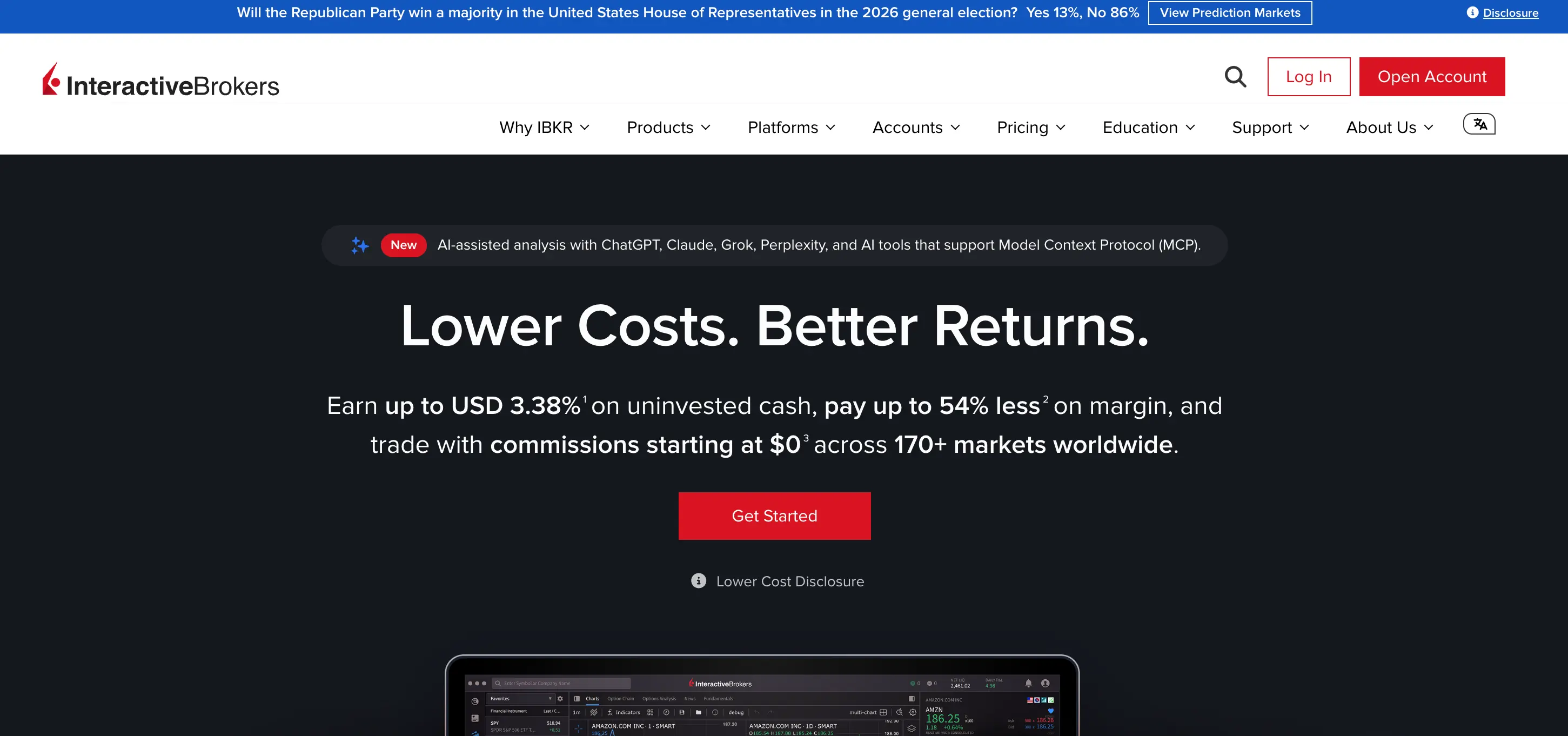
Interactive Brokers is among the best brokers for experienced traders looking for access to a wide array of asset classes and international markets via one broker.
The Trader Workstation is specifically designed for active trading and not for ease of use. The platform allows the use of advanced order types, custom workspaces, market scanners and professional trading tools.
IBKR also provides traders with a choice between two types of pricing models depending on the region. In the US, IBKR Lite provides commission-free trading of eligible stocks while IBKR Pro uses fixed and tiered per-share pricing.
Why it stands out
- International market access
- Advanced order types
- Professional trading workstation
- Stocks, options, futures, forex and other products
- Different pricing structures catering to varying trading volumes
Main limitation
Trader Workstation has a steep learning curve.
A trader only interested in placing basic stock orders and having simple charts may consider the interface unnecessarily complicated.
Who it is suitable for
Interactive Brokers is best for traders who are not beginners anymore and are seeking an account that allows the use of advanced trading methods.
2. Charles Schwab thinkorswim
Ideal for: Active traders on the U.S. markets who are looking for strong analysis tools
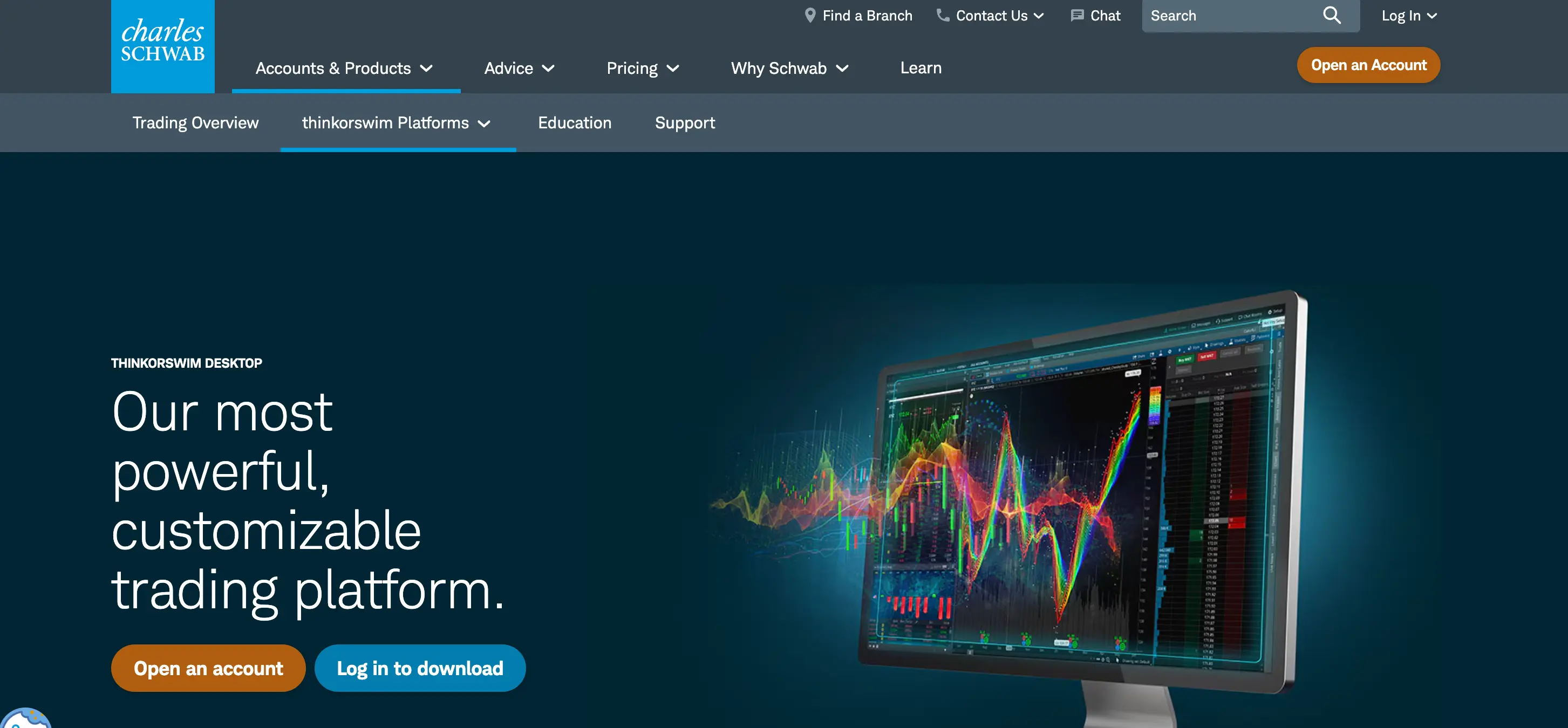
thinkorswim integrates charting, technical indicators, options tools, and order management within the Schwab brokerage system.
It offers stocks, ETFs, options, futures, and forex markets, allowing active traders to access various markets through a single platform. Schwab also offers desktop, web, and mobile platforms.
One of its best features is the paperMoney.
Traders can use the service to practice with virtual buying power using the majority of the same tools used for live trading. Currently, Schwab offers $100,000 of simulated buying power through the simulation environment.
Why it stands out
- Advanced charting
- A large variety of technical studies
- Stocks, options, futures and forex
- Accessible on desktop, web and mobile
- Strong simulated trading environment
- Useful options and futures tools
Main limitation
It offers so much functionality that it can be overwhelming for new traders.
The desktop platform is very advanced but comes with a learning curve for users to make full use of it.
Who should choose it?
Thinkorswim is a good fit for active traders from the US who do not want to trade from two different systems to get advanced analysis capabilities.
3. TradeStation
Best For: Backtesting and systematic trading
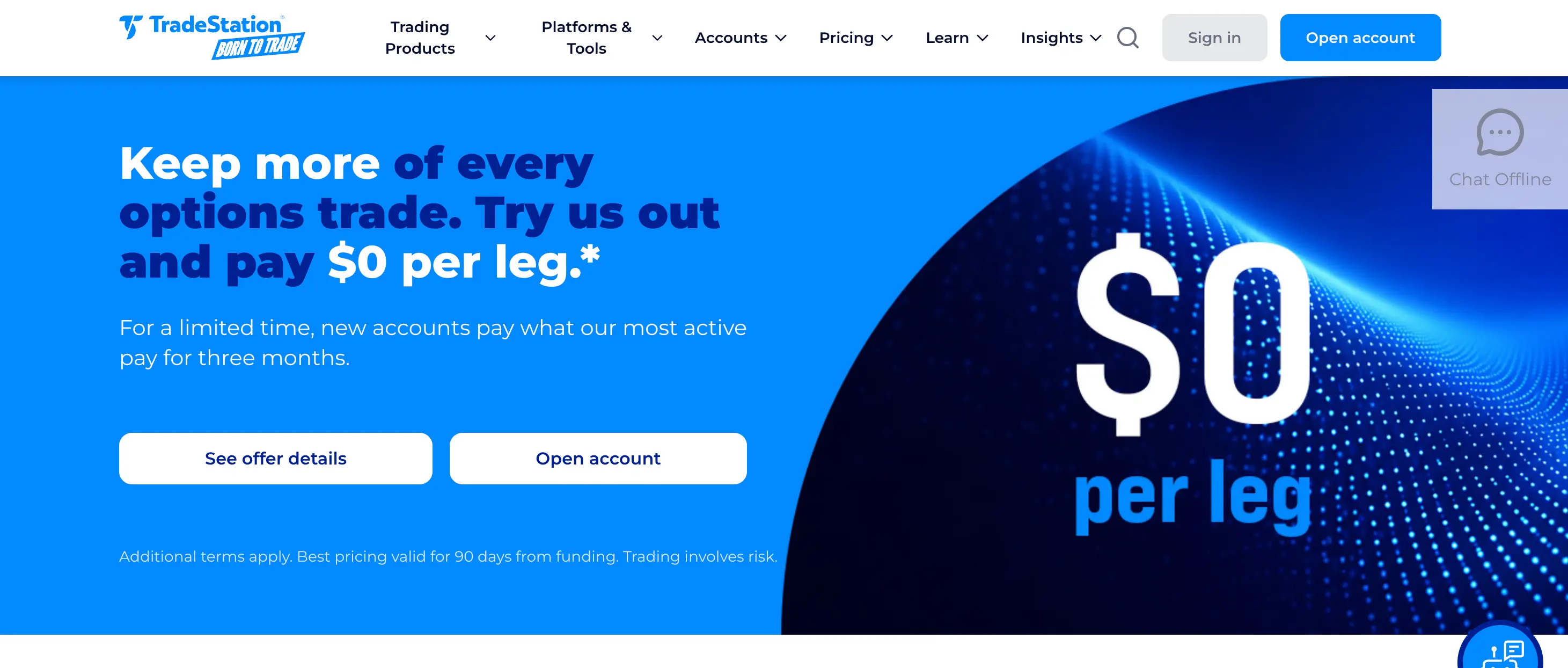
TradeStation has always been tailored to active traders who wish to develop, test, and automate their trading strategies.
Its primary strength lies in its integration of trading, charting, and system development. With TradeStation, traders can develop strategies in EasyLanguage and backtest them on historical data before implementing them in actual market conditions.
TradeStation offers stocks, options, and futures at different pricing based on the asset class and volume traded. The present US pricing structure has commission-free standard stock trading in addition to options and futures, which have contract-based pricing.
Why it stands out
- Strategy development
- Backtesting
- Automation
- Advanced charting
- Order tools for active traders
- Stocks, options and futures
Main limitation
The platform is tailored to experienced traders.
A user in search of a mobile application might not find much value in TradeStation's functionality.
Who should choose it?
TradeStation is worth considering if testing and automating strategies is an important part of how you trade.
4. Fidelity
Ideal for: Stock traders interested in trading as well as research
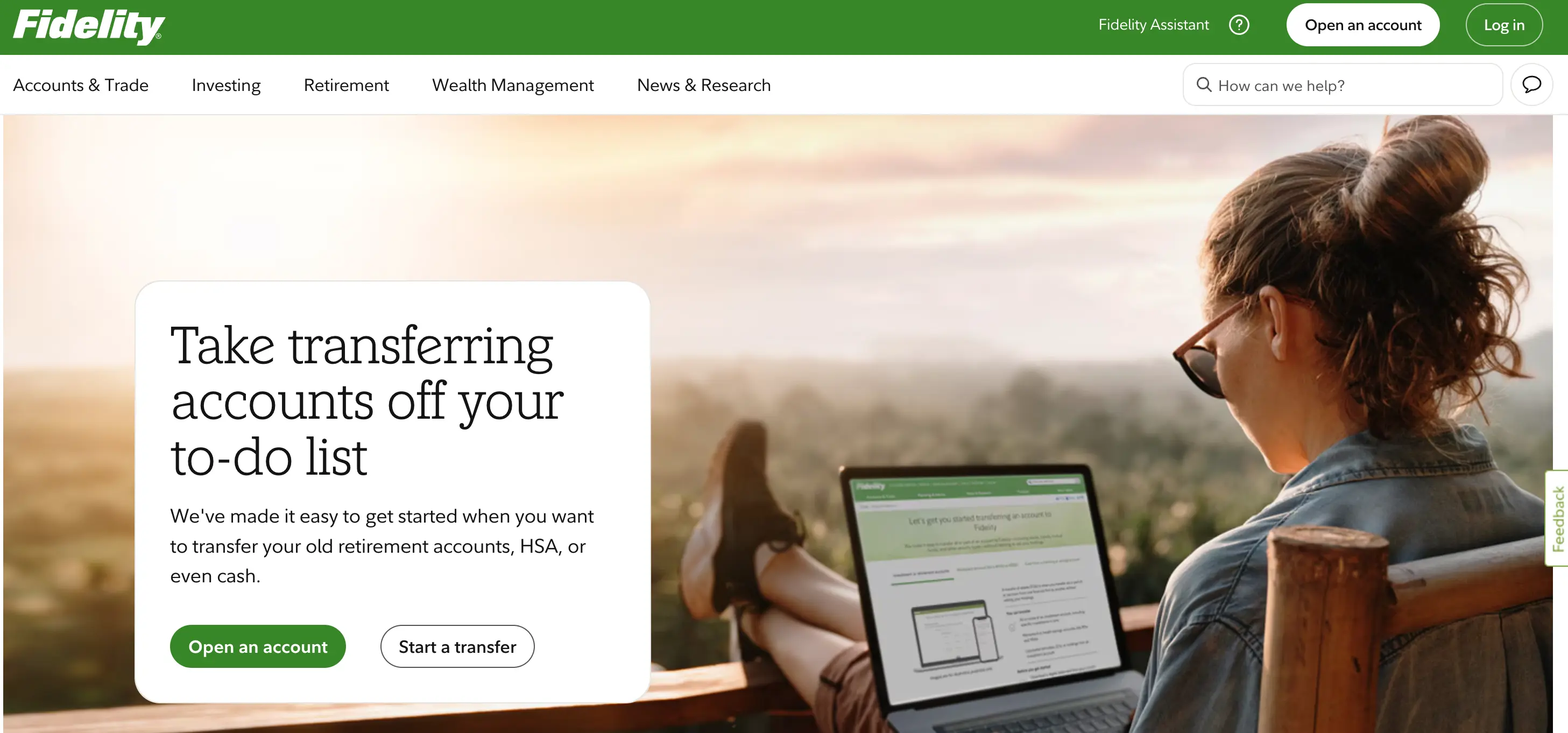
Fidelity is better known as a full-service broker than a pure day-trading platform, but its active-trading tools make it relevant for stock and options traders.
Its strength is the combination of trading, research and brokerage services.
Traders who need to research a company, monitor their positions, and trade through one platform will benefit from more comprehensive investment tools provided by Fidelity compared to platforms specifically designed for speculative trading.
Why it stands out
- Research-friendly environment
- Stocks and options trading
- Broking structure already in place
- Active-trading tools
- Good for traders who also hold longer-term investments
Main limitation
Fidelity is not the best choice for every asset class.
Traders whose strategies center on futures or forex will find more suitable platforms elsewhere on this list.
Who should consider it?
Stock traders who also value research and brokerage services besides trading capabilities.
5. Power E*TRADE
Best for: Options traders who want visual risk tools
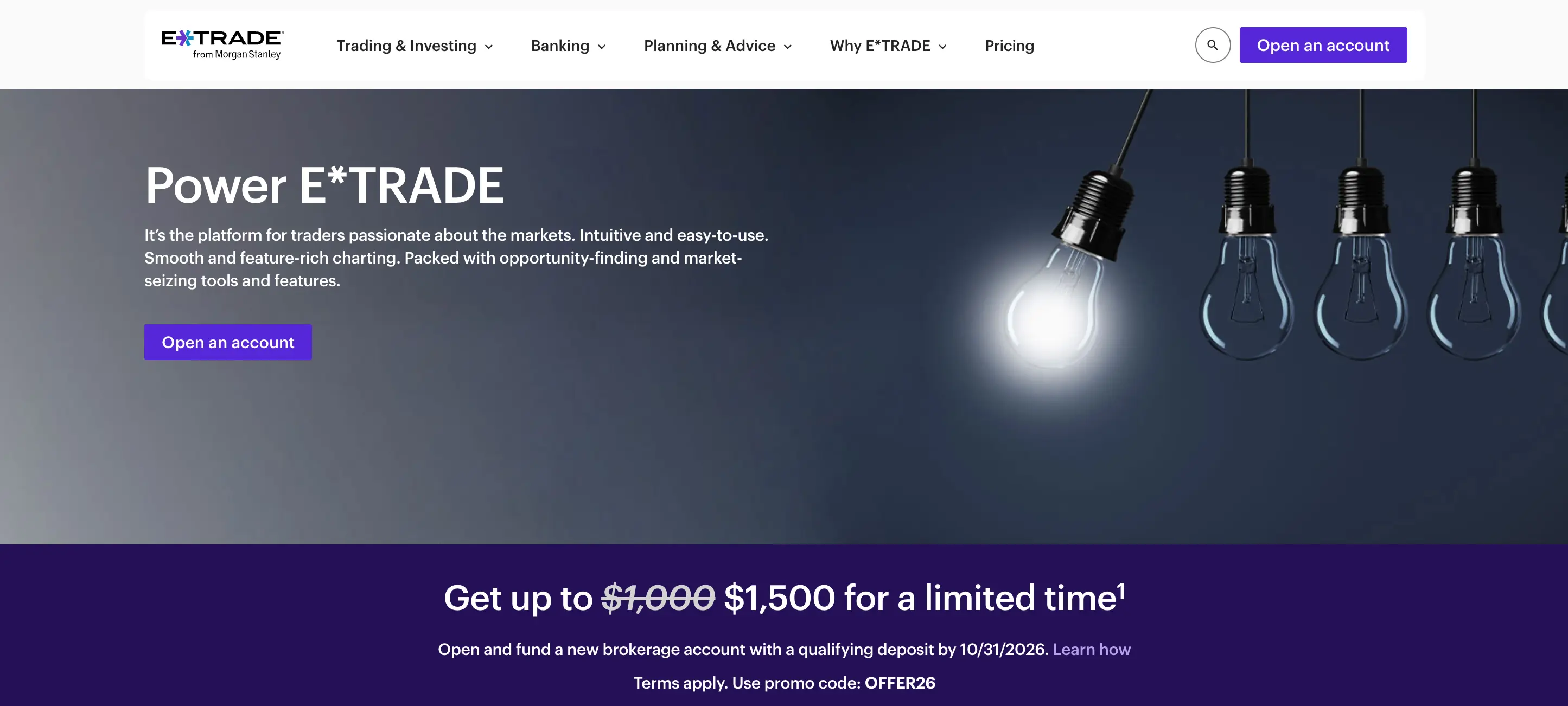
Power E*TRADE is particularly useful for options traders.
Its tools include options chains, strategy analysis and visual risk/reward features designed to help traders understand how a position could behave as price, volatility and time change.
Power E*TRADE is available across web, desktop and mobile environments, with support for stocks, ETFs, options and futures.
E*TRADE currently charges $0 for online US exchange-listed stock trades, while standard options pricing is $0.65 per contract and falls to $0.50 for qualifying active traders.
Why it stands out
- Strong options workflow
- Strategy modeling
- Risk/reward visualization
- Web, desktop and mobile access
- Stocks, options and futures
Main limitation
Traders focused on direct market access or highly specialized execution may prefer a more professional trading workstation.
Who should choose it?
Power E*TRADE is a strong fit for active options traders who want analysis built directly into the order-entry process.
6. Tastytrade
Best for: Options and futures traders
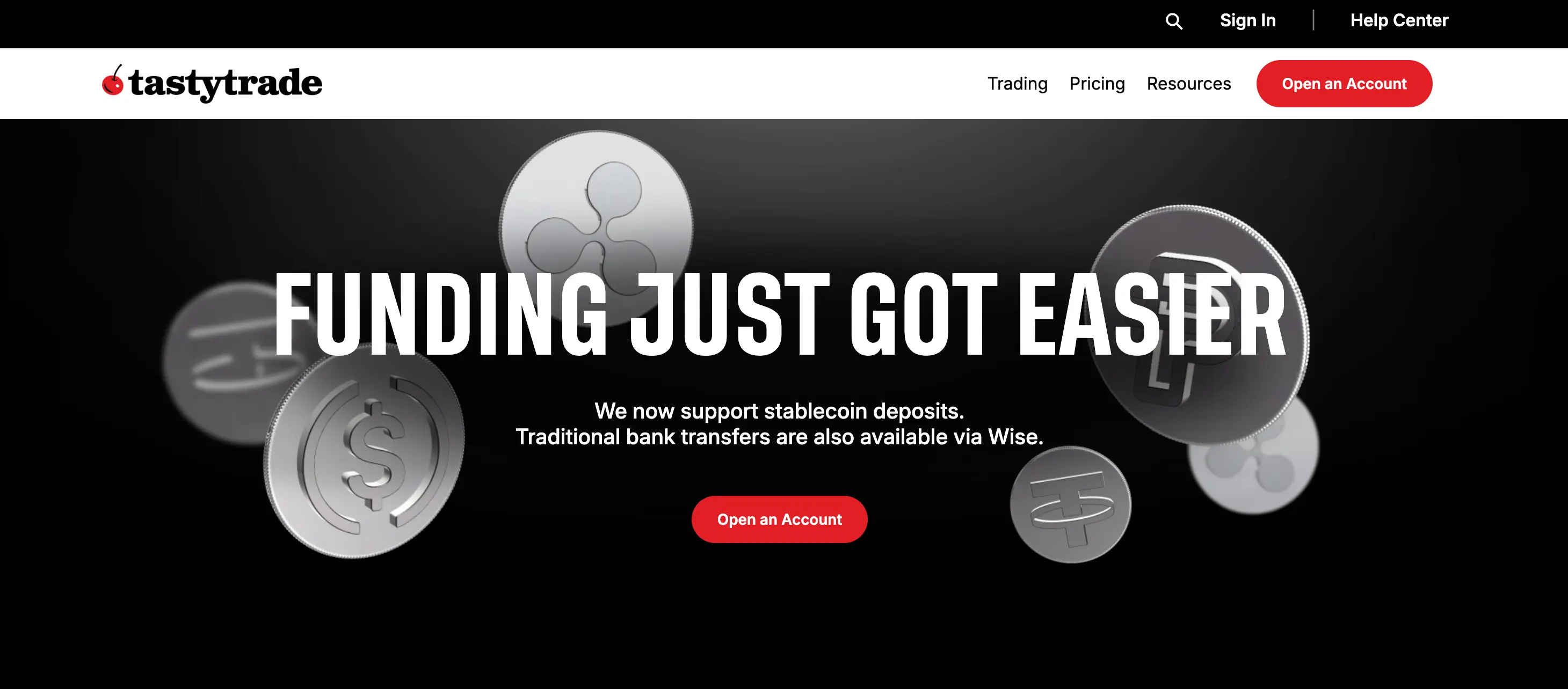
tastytrade is built around derivatives.
The interface, pricing model and educational material are heavily focused on options, futures and active trading.
Its current pricing charges $1 per stock or ETF options contract to open, capped at $10 per leg, with no commission to close those contracts. Futures currently cost $1 per contract to open and $1 to close, before applicable exchange and regulatory fees.
Why it stands out
- Derivatives-focused platform
- Options-oriented order entry
- Futures support
- Capped stock-options opening commissions
- Desktop, web and mobile platforms
Main limitation
It is less compelling for traders whose main interest is equity research or traditional portfolio analysis.
Who should choose it?
tastytrade is most relevant to traders whose day-to-day workflow revolves around options, futures, or both.
7. Webull
Best for: Newer traders seeking more functionality than a simple investment app
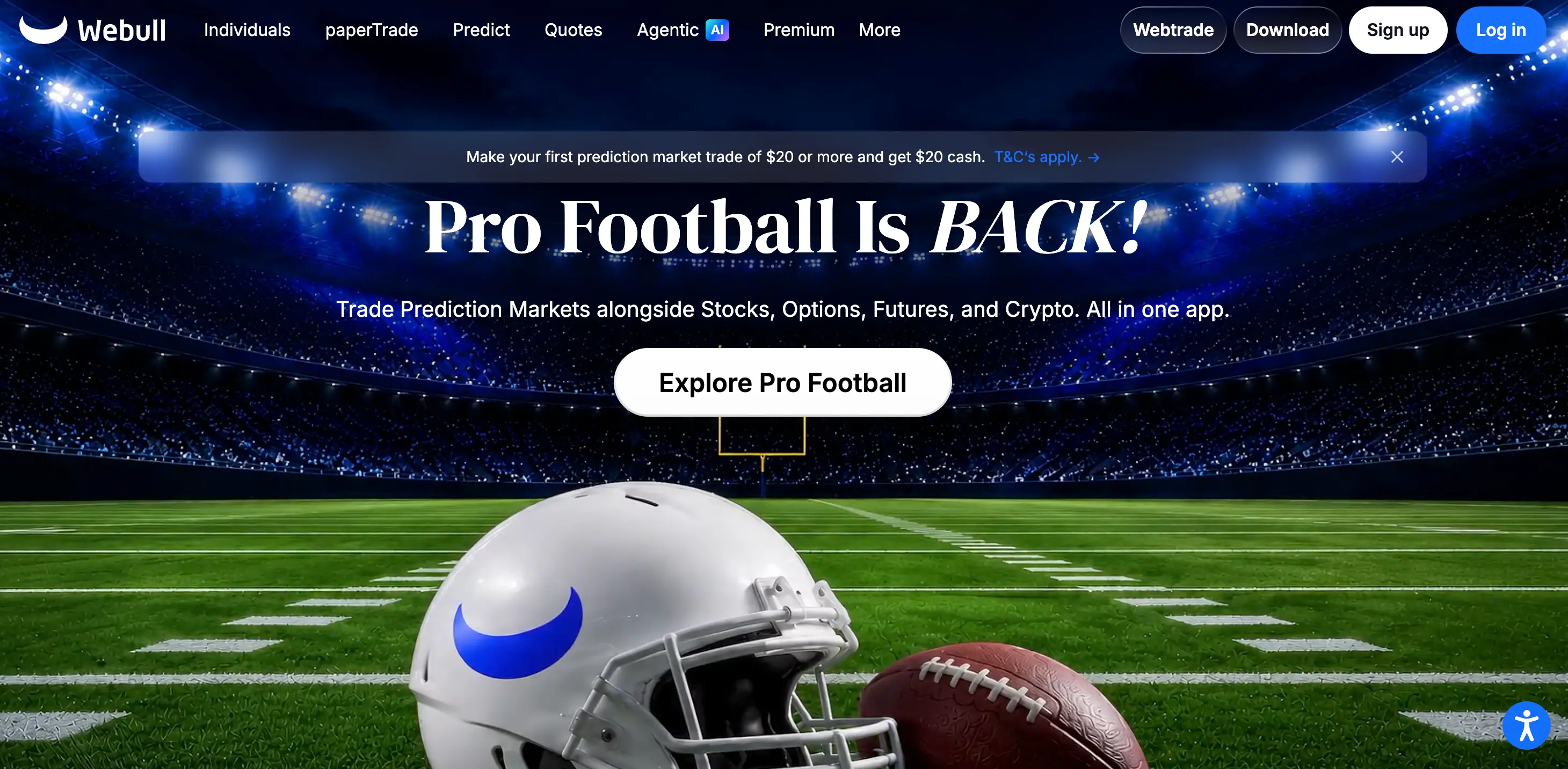
Webull fits into the space between beginner investing apps and complex trading platforms.
Its user interface is accessible without sacrificing advanced functionalities such as charting, market information, screeners, and simulated trading.
This makes it perfect for a trader who is trying their hand at active trading but does not have a need for the advanced features available on Trader Workstation and TradeStation.
Why it stands out
- Accessible interface
- Desktop and mobile trading
- Paper trading
- Charting and technical tools
- Useful transition from basic investing apps to active trading
- Charting and technical analysis
Main limitation
Advanced users might want to control more aspects of trade execution, routing choices or specialist tools.
Who should choose it?
Webull is ideal for beginners looking to start active trading in an interface that still provides room to grow.
8. moomoo
Ideal for: Traders who value data, screeners and market information
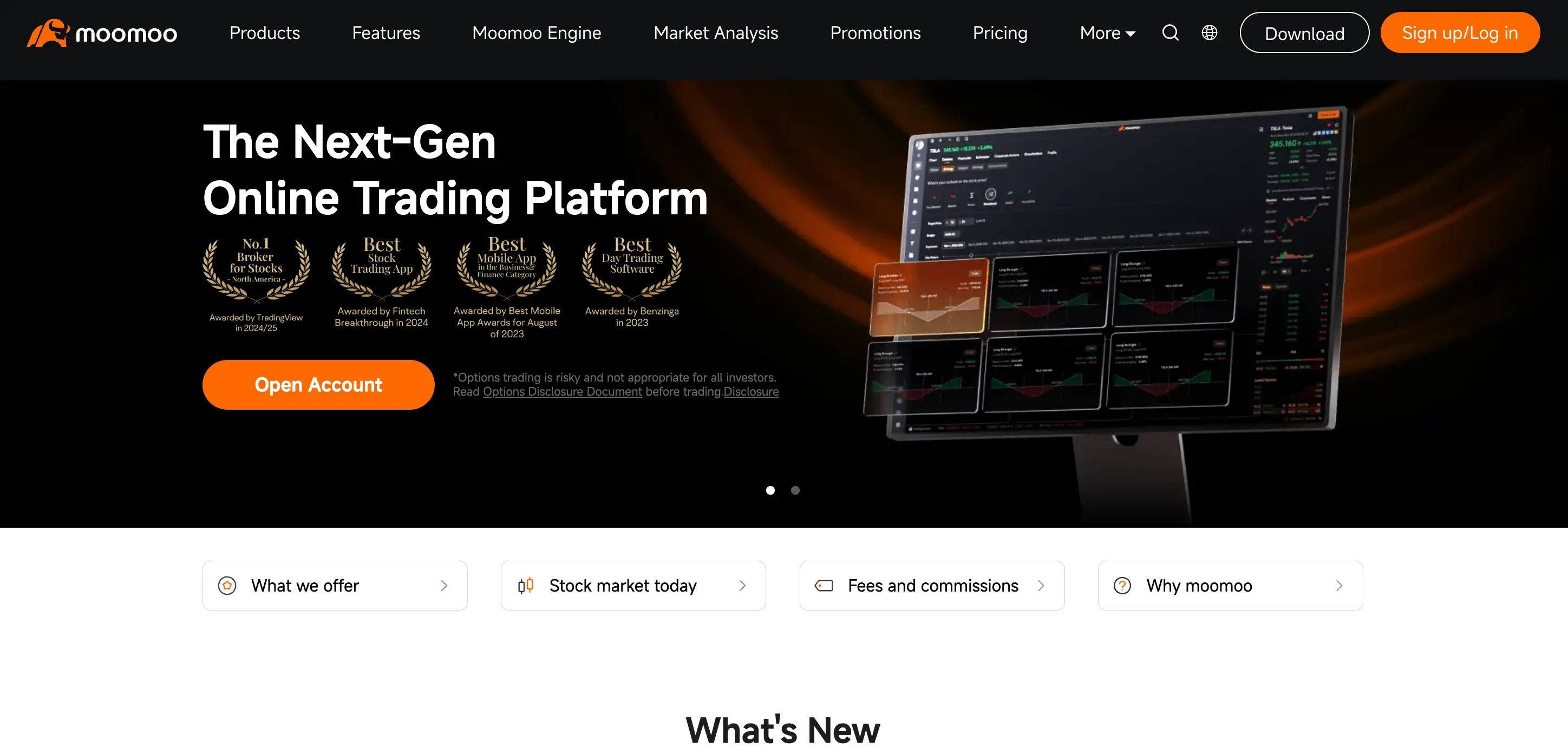
moomoo provides a lot of market information in the user interface that caters to retail traders.
Its platform offers charting, screeners, and market-data capabilities that can assist traders in tracking stocks and coming up with possible setups.
Pricing varies depending on whether you are a resident of a specific country and what market you trade.
moomoo offers $0 commission trading and $0 equity-options contract fees for US residents trading US markets. However, there could be regulatory, exchange and other fees.
Why it stands out
- Data-heavy interface
- Screeners
- Charting
- Options support
- Mobile and desktop availability
Main limitation
There is too much information, promotions and notifications that can make the experience feel busy.
Availability and pricing also differ by country, so traders should verify the terms that apply to their location.
Who should choose it?
It is a good choice for those who seek a retail trading app with more information and scanning tools than just a brokerage interface.
9. Robinhood
Best for: Traders who prioritize simplicity
Robinhood built its reputation around reducing friction.
Account setup, order entry and position monitoring are intentionally simple, making the platform easier to approach than most professional trading workstations.
US stock, ETF and options trading is commission-free, although regulatory and exchange-related fees may still apply.
Why it stands out
- Simple interface
- Mobile-first experience
- Easy account navigation
- Stocks, ETFs and options
- Low barrier to learning basic order mechanics
Main limitation
Simplicity is also its weakness for serious day trading.
Traders who depend on complex chart layouts, order-routing controls, advanced scanners or professional execution tools may outgrow the platform.
Who should choose it?
Robinhood suits someone who wants a simple day trading app and values ease of use over specialist functionality.
10. NinjaTrader
Best for: Dedicated futures traders
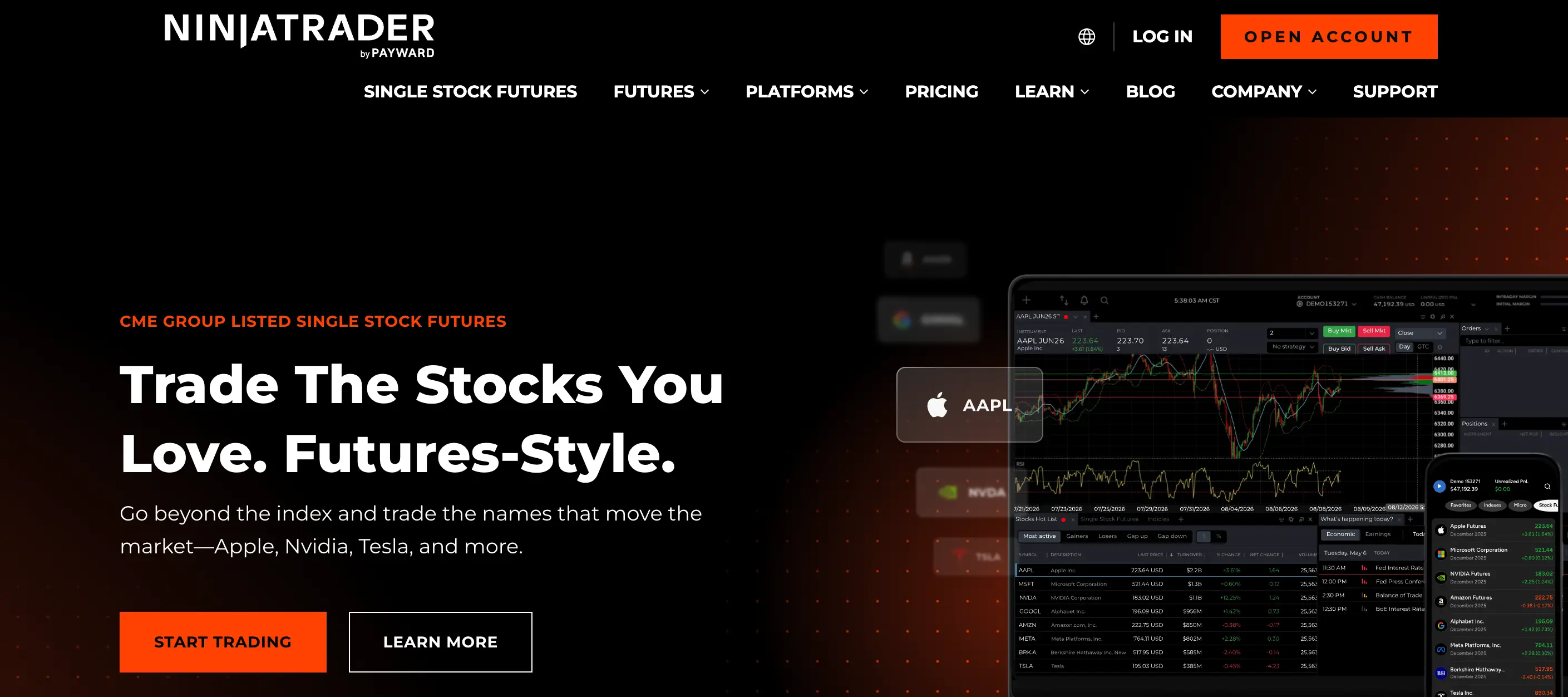
NinjaTrader is one of the most specialized platforms on this list.
Rather than trying to serve every market, it focuses heavily on futures trading.
Its tools include advanced charting, order-flow analysis, market replay, strategy backtesting and simulated trading. NinjaTrader currently offers desktop, web and mobile access.
The platform offers several pricing plans. Its free plan has no monthly platform fee, while paid plans reduce per-contract futures commissions. Exchange, clearing and NFA fees still apply.
Why it stands out
- Futures-specific workflow
- Order-flow tools
- Market replay
- Strategy backtesting
- Free simulated trading
- Desktop, web and mobile platforms
Main limitation
If you primarily trade stocks or options, NinjaTrader is not the natural choice.
Who should choose it?
NinjaTrader makes sense for traders who want futures to be the center of their setup rather than one product among many.
11. Tradovate
Best for: Traders who want a cloud-based futures setup
Best for: Traders who want a cloud-based futures setup
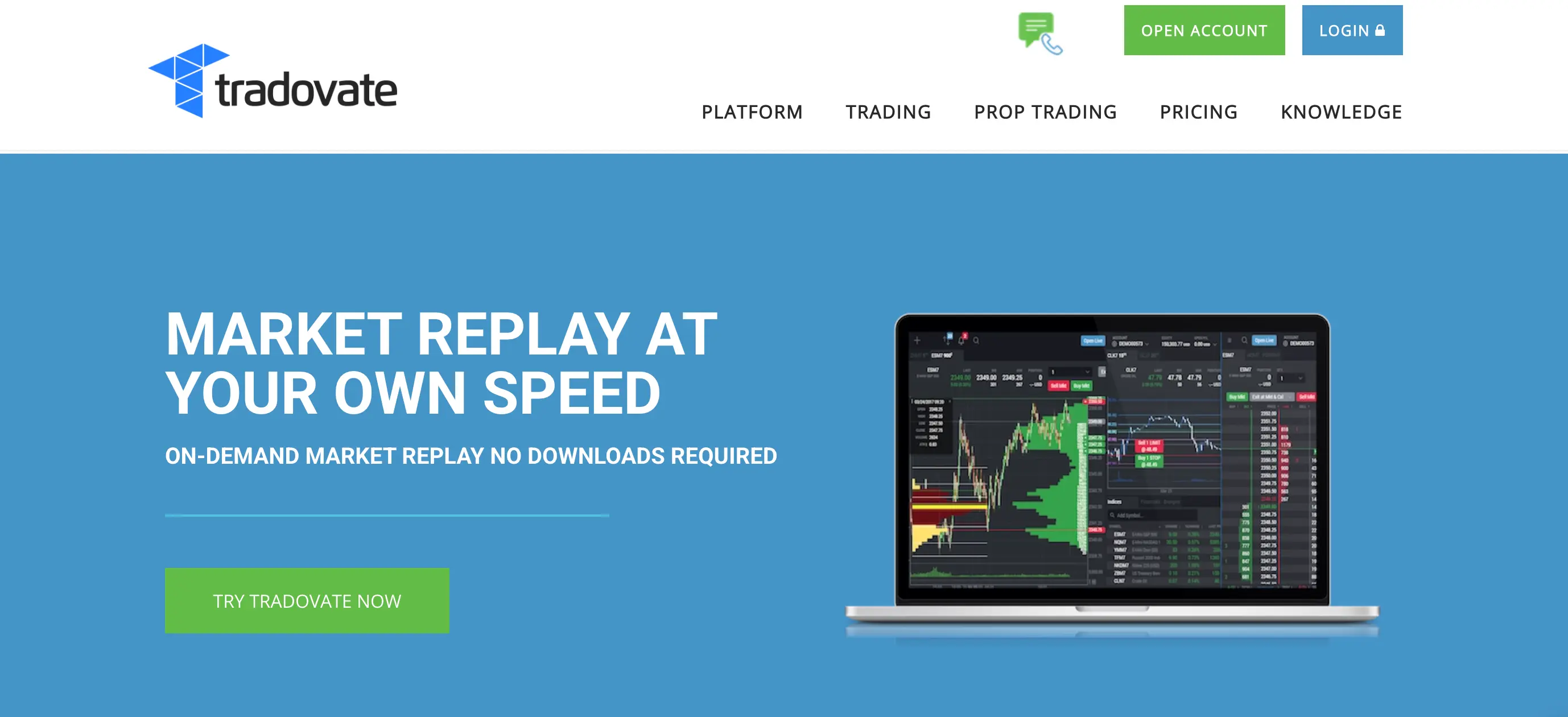
Tradovate is another futures-focused platform, but its main appeal is its web-based workflow.
Traders can access the platform without depending entirely on a traditional desktop installation.
Its pricing uses the same broad free, monthly and lifetime structure currently offered within the NinjaTrader ecosystem, with different per-contract rates depending on the plan.
Why it stands out
- Futures-specific platform
- Browser-based access
- Simulated trading
- Market replay
- Multiple pricing tiers
Main limitation
It is highly specialized.
If you need one platform for stocks, options and forex alongside futures, a broader broker may be a better fit.
Who should choose it?
Tradovate is best suited to futures traders who value cloud access and a streamlined futures workflow.
Standalone Charting and Execution Platforms
The next four products need to be judged differently.
TradingView, MetaTrader 5, cTrader and DXtrade are not directly comparable with full-service brokers such as Fidelity or Interactive Brokers.
Your costs, asset availability, execution quality and account protections may depend mainly on the broker or provider connected to the software.
12. TradingView
Best for: Charting-first traders
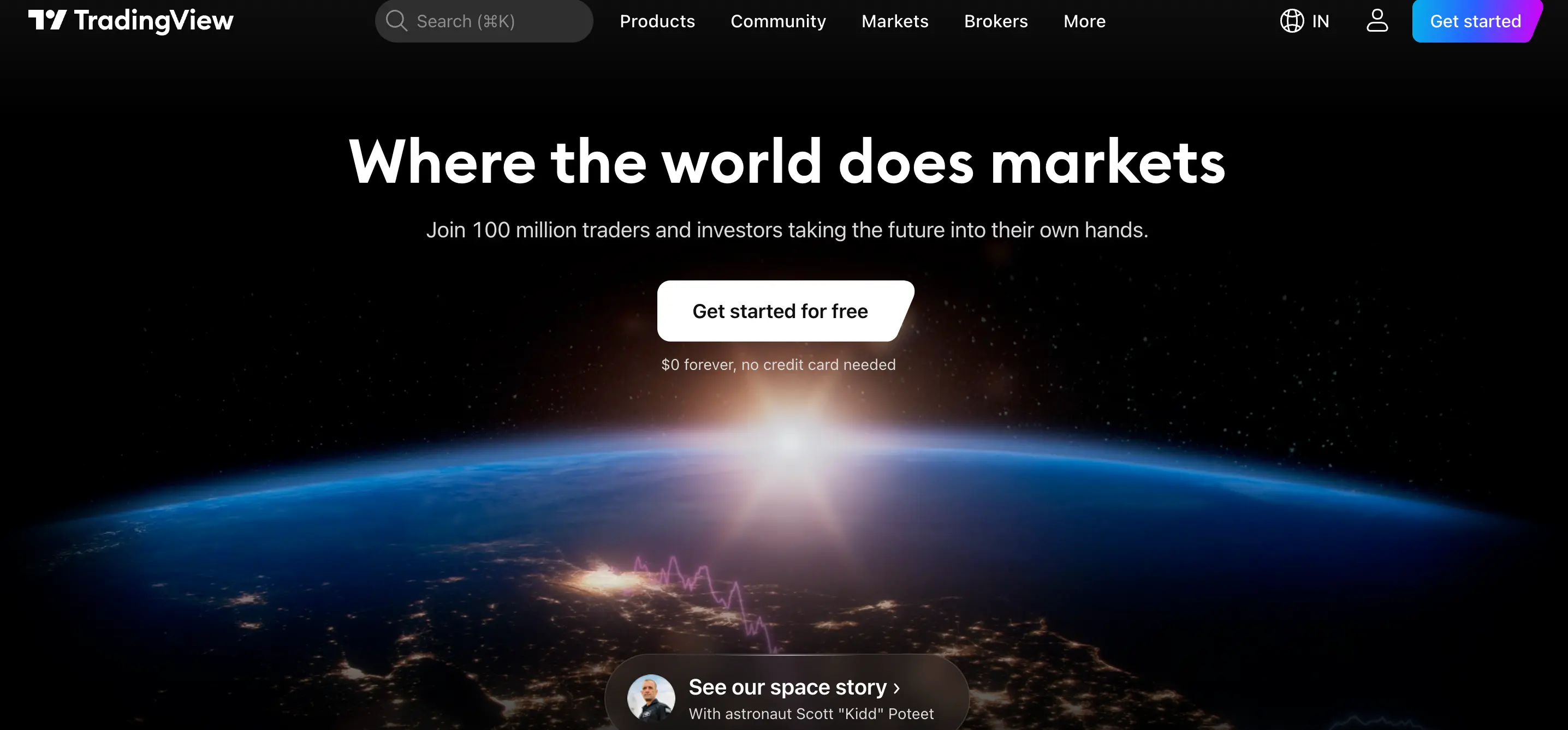
TradingView is one of the most flexible choices for traders who want charts to sit at the center of their workflow.
It offers a large indicator ecosystem, customizable layouts, Pine Script for building indicators and strategies, and integrations with supported brokers.
TradingView has a free plan as well as optional paid subscriptions with additional charting and trading features.
Why it stands out
- Advanced browser-based charting
- Large community indicator library
- Pine Script
- Multi-device access
- Broker integrations
Main limitation
TradingView itself does not determine the full cost or quality of your execution.
Those depend on the broker connected to the platform.
Real-time exchange data may also require separate subscriptions.
Who should choose it?
TradingView works well for traders who want one charting environment that can be used across different markets and, where supported, connected directly to a broker.
13. MetaTrader 5
Best for: Forex and CFD traders who want automation
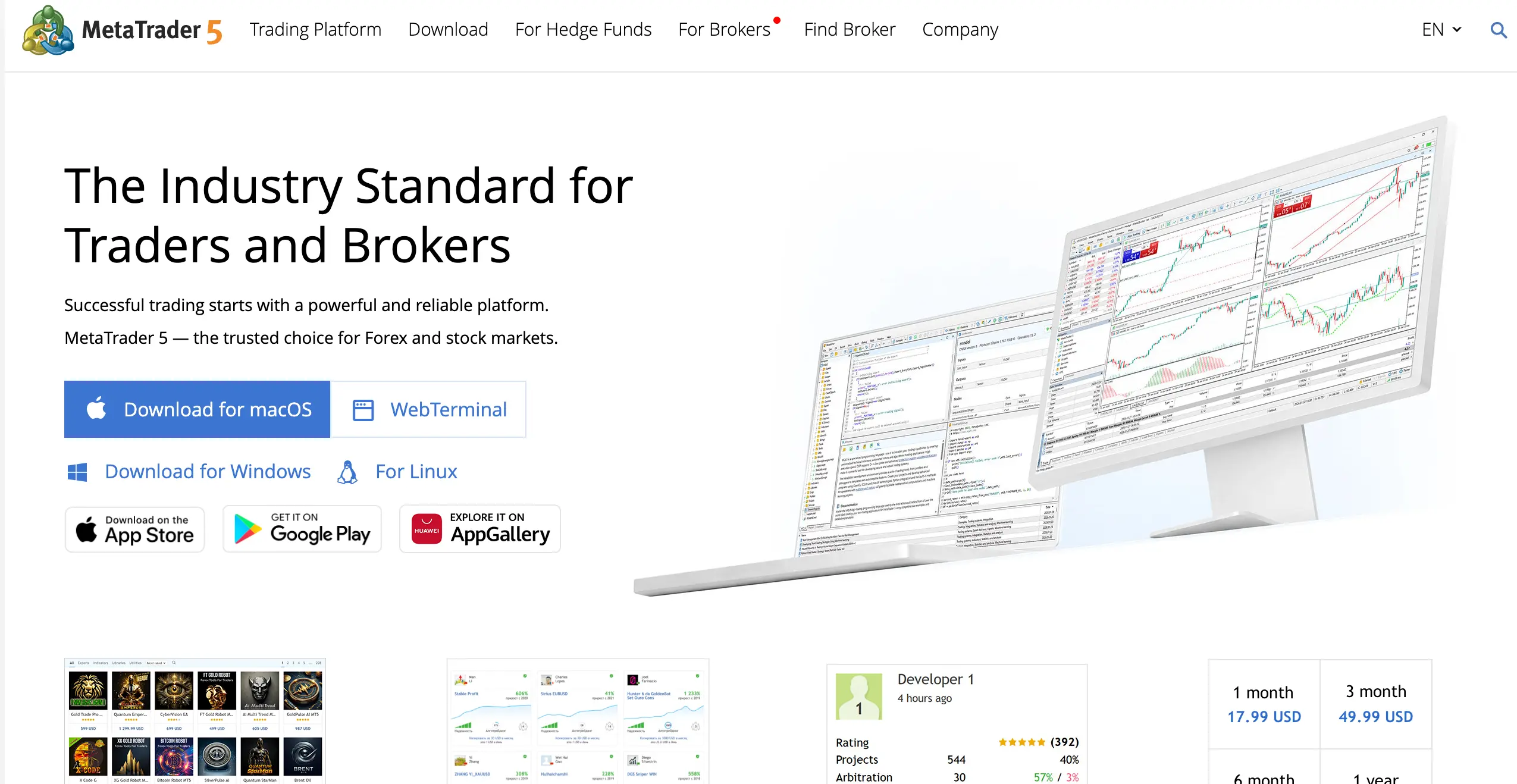
MetaTrader 5 is widely available through forex and CFD providers.
It supports multiple order types, Market Depth, one-click trading, pending orders and trailing stops.
It is also known for algorithmic trading through Expert Advisors and a large ecosystem of trading tools.
Why it stands out
- Widely supported by forex providers
- Automated trading
- Market Depth
- Desktop, web and mobile access
- Large ecosystem of third-party tools
Main limitation
MetaTrader 5 is software, not your broker.
Your spreads, commissions, available instruments, execution and counterparty risk depend on the provider giving you access.
Two traders using MT5 can therefore have very different trading conditions.
Who should choose it?
MT5 is best considered as an interface choice after you have evaluated the broker or trading provider behind the account.
14. cTrader
Best for: Forex traders who want a clean interface and detailed market depth
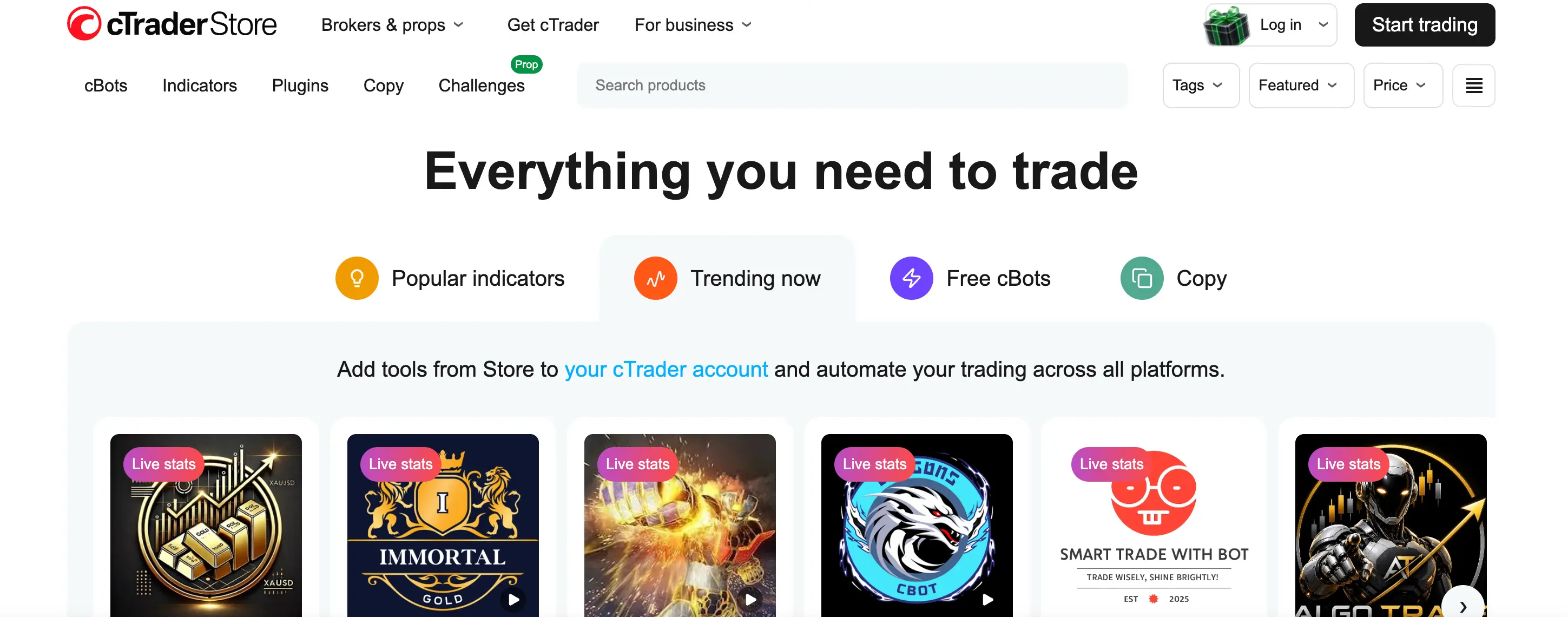
cTrader offers a modern trading interface with several execution-oriented features.
One of its strengths is depth-of-market functionality. Its Price DOM allows traders to place stop and limit orders and manage open positions directly through the depth display, while its VWAP DOM shows expected average prices at different trade sizes.
Why it stands out
- Clean interface
- Detailed depth-of-market tools
- Web and desktop availability
- Automation capabilities
- Precise order management
Main limitation
cTrader is available through fewer providers than MetaTrader.
As with MT5, the software does not determine your spreads, commissions or account safety. Those depend on the broker.
Who should choose it?
cTrader is worth comparing with MT5 if forex execution and a clean depth-of-market interface matter to your strategy.
15. DXtrade
Best for: Browser-based trading through supported brokers or trading firms
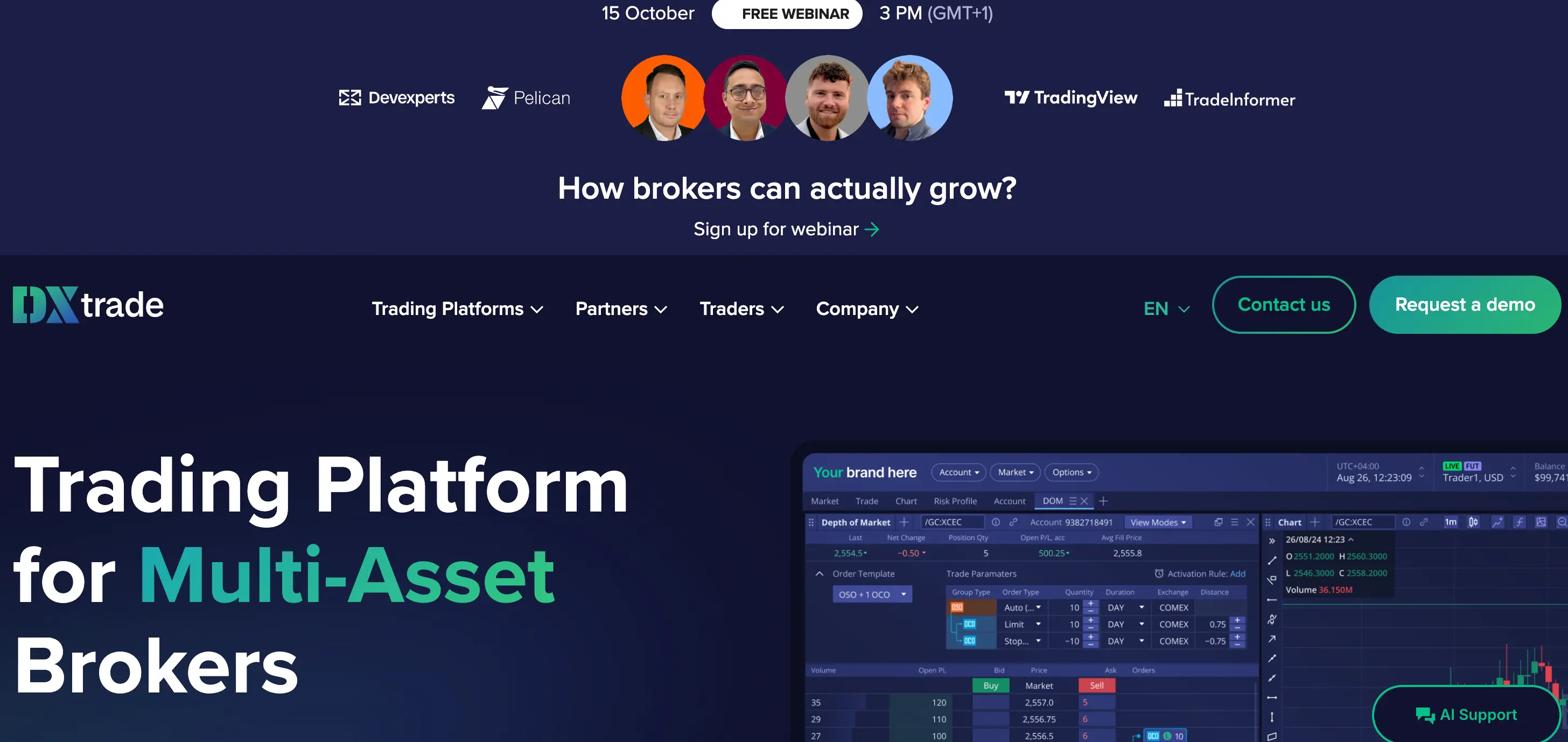
DXtrade is a web-focused trading platform provided through participating brokers and trading firms.
Its main appeal is that traders can access their account through a modern browser-based interface without building their workflow around a traditional desktop terminal.
Why it stands out
- Browser-based access
- Clean trading interface
- Used by a range of trading providers
- No need for a traditional desktop installation
Main limitation
The experience can vary significantly from one provider to another.
The instruments, execution conditions, fees and account rules come from the broker or firm offering DXtrade.
Who should choose it?
DXtrade is most relevant when a broker or trading provider you already want to use offers it as one of its available interfaces.
Best Day Trading Platforms by Type of Trader
There is no reason to compare every platform equally if your trading style already narrows the field.
For US stock day traders
Start by comparing:
- Interactive Brokers
- thinkorswim
- TradeStation
- Fidelity
- Webull
The main differences are execution tools, platform complexity, research, data access and how much control you need over your orders.
For options traders
The strongest candidates from this list are:
- tastytrade
- Power E*TRADE
- thinkorswim
- Interactive Brokers
Options traders should compare more than contract fees.
Look at multi-leg order entry, probability and risk tools, position analysis and how quickly you can adjust an existing trade.
For futures traders
Start with:
- NinjaTrader
- Tradovate
- TradeStation
- thinkorswim
- tastytrade
Dedicated futures traders may prefer NinjaTrader or Tradovate because the entire workflow is built around that market.
For forex and CFD traders
The software decision usually comes after the provider decision.
You may trade through:
- MetaTrader 5
- cTrader
- TradingView integrations
- DXtrade
But first compare the broker's regulation, spreads, commissions, liquidity, execution policy and withdrawal process.
A good interface cannot compensate for poor trading conditions from the provider behind it.
For beginners
When comparing the best day trading platforms for beginners, prioritize:
- paper trading
- simple order entry
- clear position information
- understandable fees
- good educational material
thinkorswim and Webull offer useful environments for practicing before trading live.
A beginner does not need every professional feature on day one.
Learning how orders, position sizing and risk controls work is more important.
Day Trading Platform Costs: What You Actually Need to Compare
Commission-free trading does not mean trading is free.
The total cost of day trading can include:
- stock or contract commissions
- exchange fees
- regulatory fees
- market-data subscriptions
- Level 2 market data
- platform subscriptions
- routing fees
- spreads
- margin interest
- inactivity or account fees
- slippage
That is why just comparing the advertised commissions can be confusing.
Take Interactive Brokers which has IBKR Lite that provides commission-free eligible US stock trading, and IBKR Pro which has per-share pricing.
Then there is NinjaTrader which has futures pricing plans that allow lower commissions for monthly and one-time platform fees.
There is also tastytrade which has contract-based pricing focused mainly on options and futures.
So the most cost effective platform will vary depending on your trading instruments and frequency.
How to Choose a Day Trading Platform
This is a seven-step checklist you should consider before opening or funding an account.
1. Start with the market you trade
Don’t select a platform first and then try to figure out which market to trade using the platform.
Choose the market first.
Stocks, options, futures and forex all require different tools.
2. Calculate your real trading cost
Consider more than just the headline commission.
Determine the actual cost to enter and exit from the position that you usually trade.
Include data and platform costs where applicable.
3. Check the order types you actually use
You may need:
- market orders
- limit orders
- stop orders
- trailing stops
- bracket orders
- OCO orders
- multi-leg options orders
- order ladders
There is little value in paying for advanced functionality you never use.
But missing one order type your strategy depends on can make a platform unsuitable.
4. Test the platform before committing capital
Use a demo or paper trading account where possible.
Do not only test whether you can place an order.
Try your full workflow:
- Find a setup.
- Open the chart.
- Enter the order.
- Add your stop.
- Adjust the position.
- Exit.
- Review the trade.
A platform may look impressive until you have to perform those steps quickly.
5. Check market-data costs
Market data in real-time is not always free.
Professional data, exchange feed or Level 2 data may be additional to the cost of your plan.
Make sure you understand what your strategy needs.
6. Check who holds your money
This point is crucial when comparing brokers with software like MT5, cTrader or DXtrade.
You can have the same trading interface but a totally different provider. Verify the broker, regulation, account terms and withdrawal process separately.
7. Match complexity to your experience
Professional tools are good for you only when you know why you need them.
If you are learning how to enter orders, it may be better to use a simple platform with the simulation option instead of a workstation with hundreds of settings.
Do US Day Traders Still Need $25,000 in 2026?
The answer today will depend on the timeline your broker is working with.
FINRA’s new intraday margin requirements took effect on June 4, 2026, replacing the previous pattern day trader rule, which included the well-known $25,000 minimum-equity rule.
However, firms that need more time can phase in the changes through October 20, 2027.
So you should not assume that every US brokerage account now operates under identical intraday margin rules.
Before funding your account or day trading frequently, make sure to look up the current policy of your specific broker.
A Better Platform Can Improve Execution, Not Your Strategy
Platform selection counts.
Bad execution, excessive charges, unstable software, or cumbersome order entry makes trading unnecessarily difficult.
However, the platform does not generate the edge.
It does not determine:
- the instrument you trade
- the time you enter
- where you place your stop
- the amount you risk
- when you walk away
The platform should be considered an infrastructure.
Its goal is to give you a possibility to analyze the market situation, open and manage positions easily, and know what your expenses are.
Once a platform can do that, improving the trading process matters more than adding another screen or indicator.
Bottom Line
Even among the best day trading platforms, no single one fits every trader.
It becomes much simpler once you approach it from a perspective of your market and workflow and not from any generic ranking.
- For broad multi-market access, Interactive Brokers deserves consideration.
- For advanced US trading tools and simulation, thinkorswim is a strong option.
- TradeStation stands out for systematic trading and backtesting.
- Power E*TRADE and tastytrade are particularly relevant to options traders.
- NinjaTrader and Tradovate will be the best choice for dedicated futures traders.
- TradingView shines with charting being a central part of your workflow while MT5, cTrader
- and DXtrade needs to be evaluated along with your broker or trading service provider.
The ideal platform must provide everything you need to trade and make your costs transparent, allowing you to implement your trading strategy without unnecessary friction.
Everything else is of secondary importance.
Related Articles
Read about Best Time Frame for Day Trading
Check our article about How Much Money Do You Need to Start Day Trading?
Can You Start Day Trading With $100?
Read about 14 Day Trading Tips: The Rules That Actually Decide Whether You Survive
Best Prop Trading Firms for Day Traders
8 Best Day Trading Simulators for Beginners
Day Trading Guide For Beginners
Introduction To The Psychology Of Day Trading
FAQ
Beginners should prioritize paper trading, straightforward order entry and transparent costs over advanced professional features.
thinkorswim and Webull are worth considering because they allow traders to practice before committing real money.
The better choice depends on how much complexity you are comfortable learning.
Interactive Brokers, thinkorswim, TradeStation, Fidelity and Webull are all relevant choices for active stock traders.
Interactive Brokers and TradeStation offer more advanced active-trading functionality, while Fidelity and Webull may be easier for traders who do not need the same level of customization.
NinjaTrader and Tradovate are two of the most specialized futures choices on this list.
TradeStation, thinkorswim and tastytrade also support futures, so they may make more sense if you want futures alongside other products.
There is no universal lowest-cost platform.
Costs depend on the asset, order size, trading volume, market-data requirements and whether you pay platform or subscription fees.
Compare your estimated total round-trip trading cost instead of looking only at the advertised commission.
MetaTrader 5 can work well for forex and CFD day trading.
It supports multiple order types, Market Depth, trailing stops and automated strategies.
However, MT5 is the software layer. Your trading conditions depend on the broker or provider connected to it.
TradingView is primarily a charting and trading interface rather than the broker holding your trading account.
It integrates with supported brokers, allowing traders to place orders through compatible accounts.
Your commissions, execution and account protections therefore depend on the connected broker.
FINRA's new intraday margin requirements became effective June 4, 2026 and replace the previous pattern day trader framework.
However, brokerage firms may use a transition period through October 20, 2027.
Check your broker's current intraday trading and margin policy rather than assuming the same requirement applies everywhere.
A brokerage may allow you to open an account with a small amount of money, but that does not mean $100 is enough to trade effectively.
A very small account leaves little room for sensible position sizing, trading costs or normal losses.
For someone still learning, paper trading is usually more useful than trying to generate meaningful returns from an extremely small account.
No.
A better platform may improve execution, reduce unnecessary costs and make risk management easier.
It cannot create a profitable strategy or replace disciplined risk management.

Готовы применить дисциплинированный риск к криптовалютам? Изучите новые криптоинструменты Audacity Capital и примените свою торговую стратегию.
Узнать большеРассылка
Подпишитесь на нашу рассылку.
Присоединяйтесь к нашему сообществу

Начните свое путешествие сегодня с нашей бесплатной пробной версией
С гордостью демонстрируйте свои навыки и достижения с помощью сертификатов и получайте признание за свой тяжелый труд и преданность делу от потенциальных инвесторов и коллег.
Бесплатная пробная версияПохожие статьи
PDT Rule Explained: Pattern Day Trader Rules & 2026 Changes
Learn what the PDT rule was, the $25K requirement, four-day trade rule, and what changed with FINRA's new intraday margin rules in 2026.

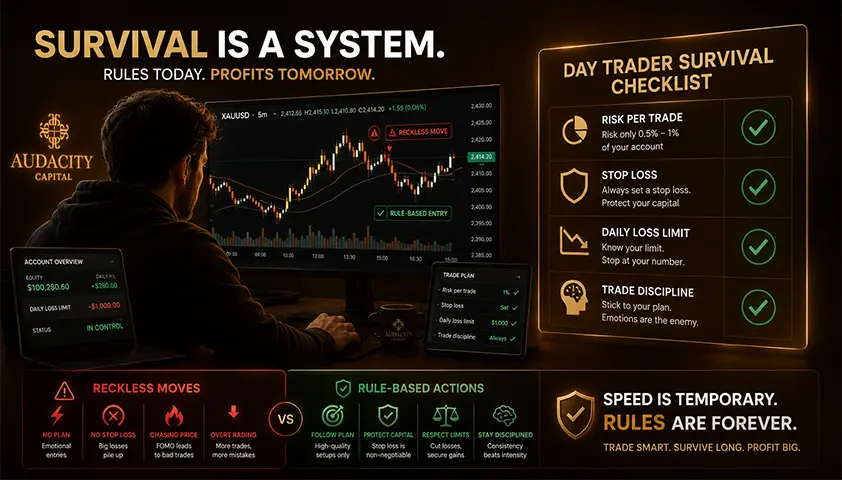
Day Trading Tips: The Rules That Actually Decide Whether You Survive
Practical day trading tips ordered by what actually matters. Risk rules, discipline, execution, and the 2026 pattern day trader change explained honestly.
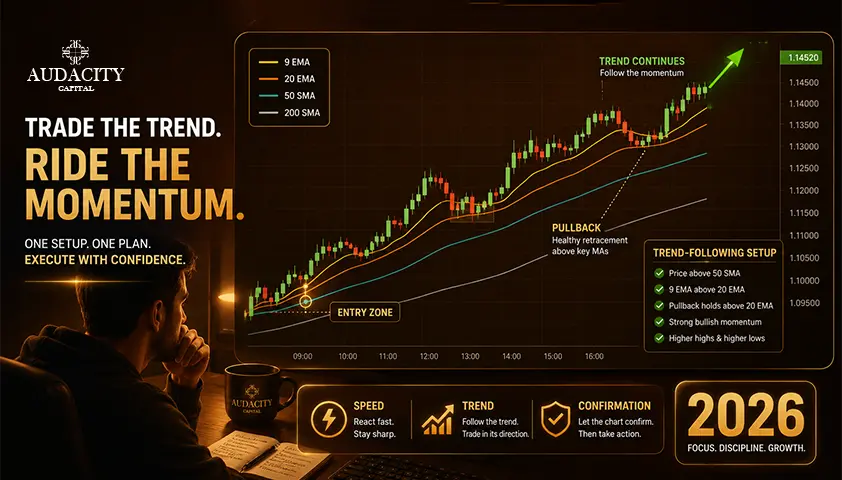
Best Moving Average for Day Trading in 2026
Compare the 9, 20, 50 and 200 moving averages for day trading, when each works best, and how to avoid lag, noise and false signals.

Is Day Trading Gambling? Understanding the Difference Between Trading and Gambling
Is day trading gambling? Learn how trading differs from gambling, when trading can become gambling-like, and why risk management matters.